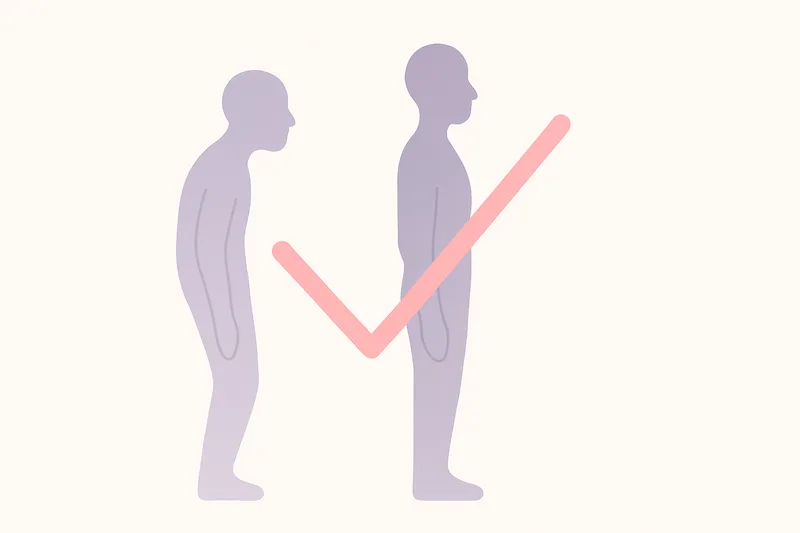
Desk Ergonomics for Better Posture: The 10‑Minute Setup
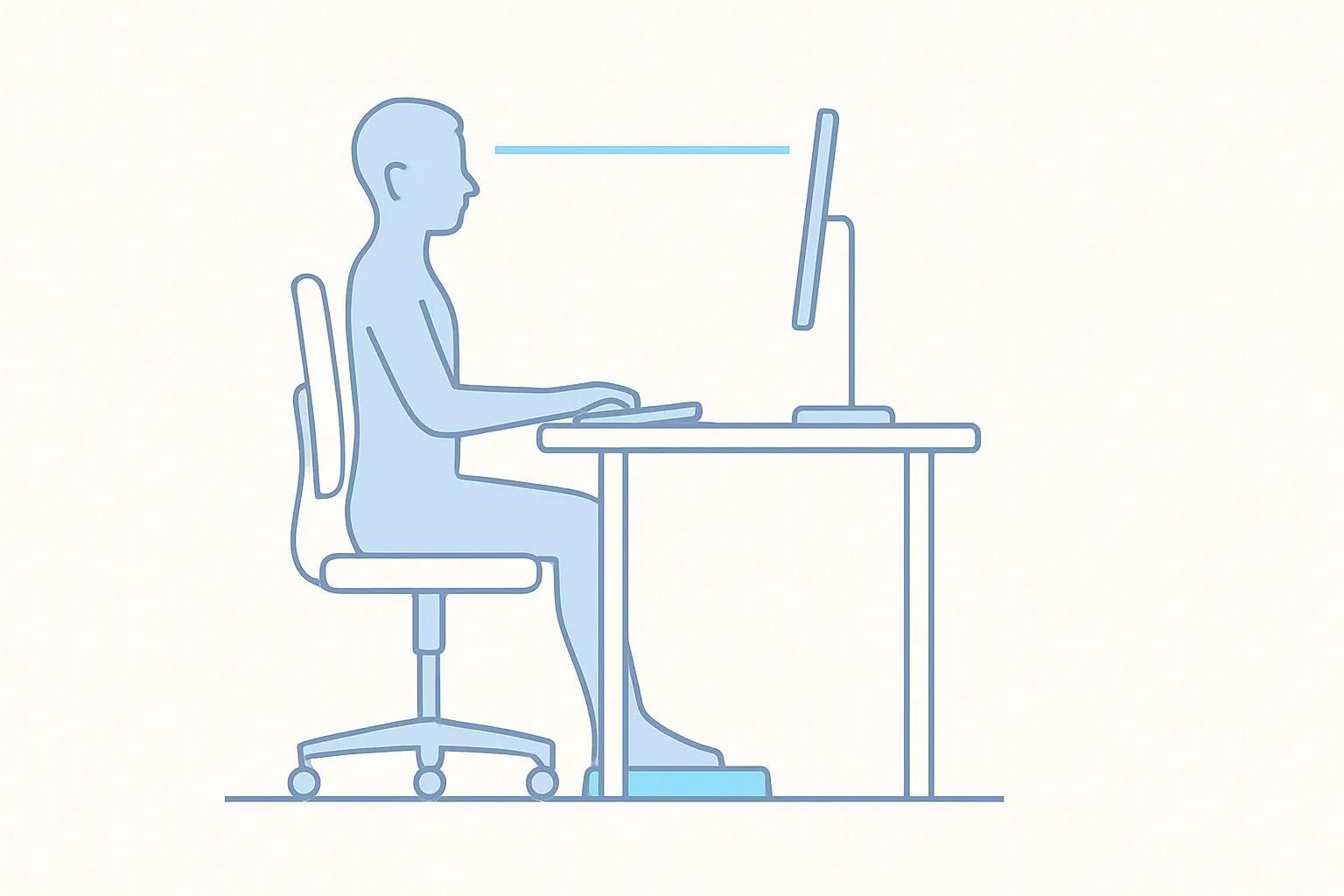
A few small changes to your desk can dramatically reduce slouching and end‑of‑day stiffness. Here’s a quick setup you can do in 10 minutes.
1) Chair and hips
- Hips slightly above knees to encourage an upright pelvis
- Sit back so your lower back is supported by the chair
- Keep feet flat on the floor (or use a footrest)
2) Screen and head position
- Top third of the screen at eye level
- Arm’s length away so you don’t lean forward
- If you use a laptop, add a stand and external keyboard/mouse
3) Keyboard, mouse, and shoulders
- Elbows ~90°, wrists neutral
- Keep mouse close to avoid shoulder reach
- Light touch on keys; avoid shrugging
4) Lighting and glare
- Reduce screen glare so you’re not leaning to “see better”
- Use a task light if needed; avoid overhead glare directly in eyes
5) Movement beats perfection
Even a perfect setup becomes uncomfortable if you hold still. Schedule 60–90 second movement breaks every 45–60 minutes: stand, roll shoulders, look far away, or walk a quick loop.
Bonus: real‑time posture nudges
A posture coach can catch drift before it turns into a habit. Slouch Sniper uses your webcam to estimate head/neck angles on‑device and nudges you when you lean in. Pair it with your ergonomic tweaks for the best results. See features.
Fast checklist
- Hips above knees, back supported
- Feet flat, elbows ~90°, wrists neutral
- Top third of screen at eye level
- Screen at arm’s length
- External keyboard/mouse if on laptop
- 60–90 second move break every hour
This simple setup plus gentle reminders is usually enough to reduce slouching within the first week.