Upright Go Alternative for Mac Users: Best No-Wearable Options in 2026
Looking for an Upright Go alternative on Mac? You are not alone. Many users want posture correction without adhesives, charging another gadget, or managing a separate wearable workflow.
This guide focuses on no-wearable options that fit a Mac-first workflow.
Why Mac Users Look for Upright Go Alternatives
Common reasons:
- They do not want to wear hardware all day.
- They want fewer calibration issues.
- They want posture alerts directly on-screen while working.
- They prefer software that feels native to daily desk work.
If this sounds like you, webcam-based posture apps are usually the closest alternative.
What to Look for in a No-Wearable Alternative
Before choosing, check these criteria:
- Mac compatibility: Runs reliably on your current macOS version.
- Alert customization: You can tune frequency and sensitivity.
- Privacy approach: Clear statement on local processing and data handling.
- Workflow fit: Works while coding, writing, meetings, and dual-screen setups.
- Low friction: Fast setup and simple daily use.
Wearable vs No-Wearable: Quick Comparison
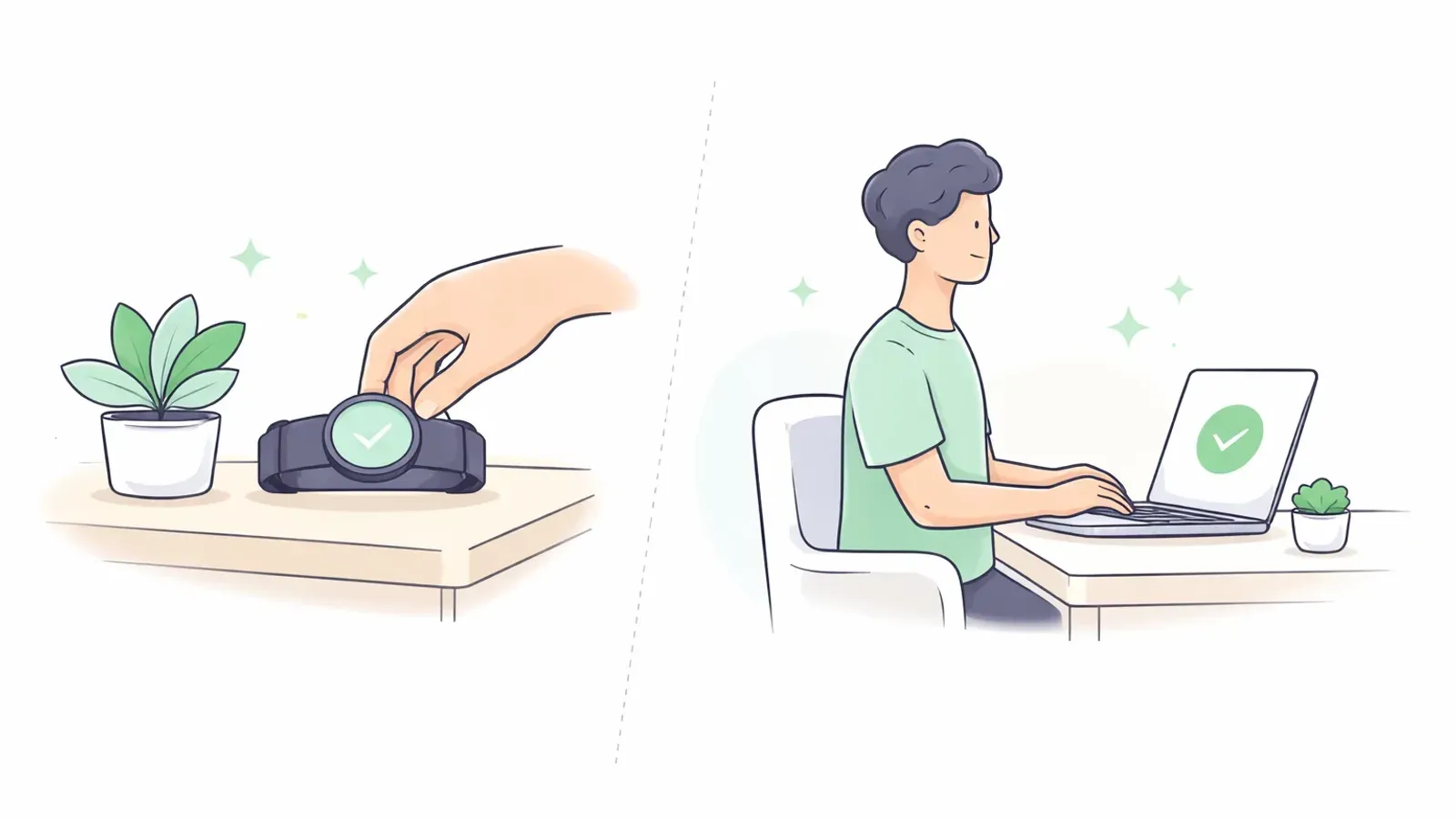
| Category | Wearable Device | Webcam-Based Mac App |
|---|---|---|
| Setup | Attach device + calibrate body position | Open app + calibrate seated posture |
| Daily friction | Must wear/charge device | No physical device to wear |
| Alert channel | Device vibration | On-screen or audio reminders |
| Comfort | Can bother some users over long sessions | No body contact |
| Best fit | People who want tactile buzz feedback | People who work at a Mac for hours |
Best No-Wearable Option for Most Mac Desk Workers
For people spending long hours at a Mac, a webcam posture app is usually the most practical alternative:
- No extra hardware on your body.
- Easy to run during normal desk work.
- Good for habit building if reminders are consistent and not too aggressive.
If your main issue is forward head posture, combine reminders with corrective habits from Forward Head Posture Correction: A Practical, Measurable Plan.
5-Minute Setup on Mac
- Launch the app and grant camera permission.
- Sit in your neutral "best posture" position.
- Calibrate once.
- Start with medium reminder sensitivity.
- Use it for focused desk blocks first (30-60 minutes).
- Adjust based on alert fatigue.
Mistakes That Make Alternatives Fail
- Choosing very high sensitivity on day one.
- Expecting perfect posture all day.
- Ignoring desk setup basics (monitor height, keyboard distance).
- Running reminders without movement breaks.
For a quick workstation baseline, use Desk Ergonomics for Better Posture: The 10-Minute Setup.
FAQ
Q: Is there a good Upright Go alternative for Mac users who do not want wearables?
A: Yes. Webcam-based posture apps are the most common no-wearable alternative for Mac desk workers.
Q: Do no-wearable posture apps work as well as wearables?
A: They can work very well for desk-based routines, especially when setup and reminders are tuned correctly.
Q: Do I need an external webcam on Mac?
A: Not usually. A built-in Mac webcam is enough for most users.
Q: What is the fastest way to see results?
A: Combine reminders with better desk ergonomics and short movement breaks. Consistency matters more than intensity.