Posture software · Buying guide
Best Posture App for Programmers in 2026: 7 Options for Long Coding Days
Developers slouch during flow, ignore notifications and work across monitors and calls. Compare seven posture apps by what they sense, how they get your attention, platforms and long-term cost.
By Karol Kłusek, founder of Slouch Sniper · · 9 min read
Disclosure: we make Slouch Sniper. This AI-assisted guide compares cited product documentation, not hands-on benchmark results. Sources and scope.
The decision in brief
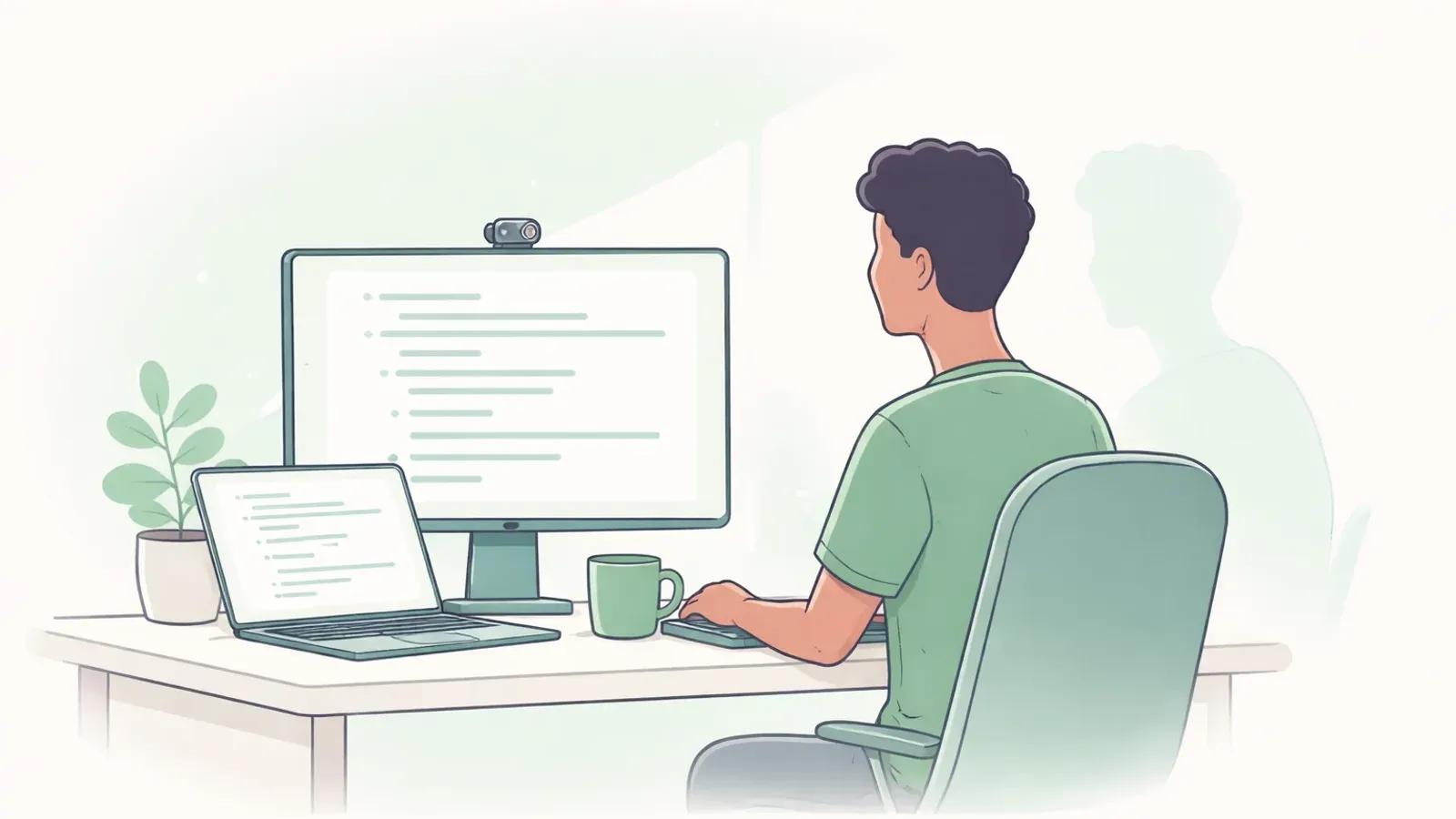
For developers on Windows or an Apple Silicon Mac who tune out notifications during deep work, Slouch Sniper is the strongest fit: it dims the screen when you slouch, clears it when you sit up, and costs $19 once. On Linux, choose SitApp or Pose Nudge. Without a camera, choose Posture Pal or a break timer like Stretchly.
What a programmer needs from a posture app
Most posture apps are built for a generic desk worker. Programming adds a few conditions that decide whether an app helps or gets uninstalled by Friday.
Flow state hides the slouch. You do not decide to slouch during a hard debugging session. Your head drifts toward the screen over 30 to 90 minutes while your attention is somewhere else. A tool that only reminds you on a schedule will often fire while you are sitting fine and stay silent while you are not.
Notifications are already noise. Chat, CI, calendar and pull-request alerts have trained most developers to dismiss banners without reading them, or to silence them with a focus mode. A posture cue that looks like one more notification competes with all of that.
Every interruption costs something. A cue that makes you click out of the editor breaks the thing you were concentrating on. The best cue is one you can answer by changing how you sit, with your hands still on the keyboard.
The setup is not one laptop. External monitors, docked laptops, calls with screen sharing, and for many developers a Linux workstation. Platform support is a hard filter, not a detail.
You will use it for years. A subscription that looks cheap per month adds up over a career at the desk. A one-time license, a free tier and an open-source tool are different long-term decisions.
This guide is about choosing an app. If you want the desk baseline, the 20-second check between commits and a 14-day routine, read our posture guide for slouching while coding instead; the two work best together.
Seven options compared for long coding days
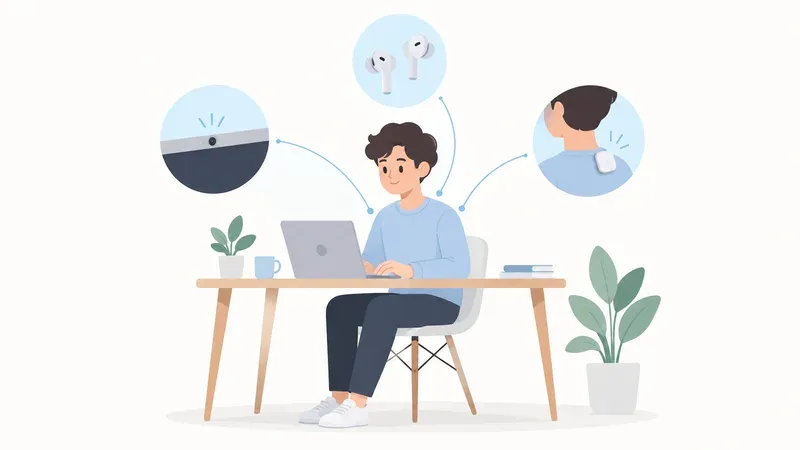
| Option | What it senses | How it gets your attention | Platforms | Price model | Best for |
|---|---|---|---|---|---|
| Slouch Sniper | Webcam posture detection | Dims the screen until you sit up | Windows, Apple Silicon Mac | $19 one-time lifetime | Developers who ignore notifications in flow |
| SitApp | Webcam posture detection | Small on-screen companion, optional voice | Mac, Windows, Linux | Free 1 h/day; Pro $34.99/yr; lifetime $89.99 | Linux users and a free starting point |
| DeskWell | Webcam posture, plus eye and typing-load reminders | Gentle nudges and break suggestions | macOS now; Windows and Linux listed as coming soon | $19 one-time launch price (regular $29) | Mac users who want posture, eyes and RSI in one app |
| SitSense | Webcam, in the browser | Browser-based feedback and coaching | Any desktop browser | Free; Pro $34.99/yr | Trying tracking with nothing to install |
| Posture Pal | AirPods head motion | Sounds, notifications, lowered music volume | iPhone and Mac | Free download with in-app purchases | Developers who will not turn on a camera |
| Pose Nudge | Webcam, open source | Desktop notifications and a posture score | Windows, Mac, Linux | Free, open source | Tinkerers who want to read the code |
| Stretchly | Nothing (break timer) | Break window on a schedule | Windows, Mac, Linux | Free, open source | Scheduled breaks you can script |
The table compares documented features, not measured accuracy or health outcomes. Prices were checked on each vendor's official page on the date above. 1 2 3 4 5 6 7
Slouch Sniper: best when you ignore every notification
Disclosure again: we make it. Here is the case for it on a programmer's desk, and where it falls short.
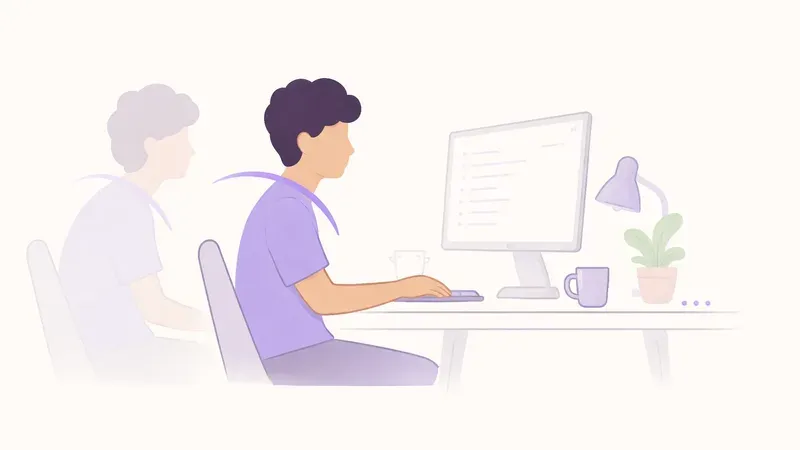
Slouch Sniper watches your posture through the webcam. When you slouch, it gently dims your screen. When you sit back up, the screen clears on its own. That loop is designed around the problems above.
The cue lands where your attention already is. You are looking at the editor, not the corner of the screen. A dim is not a notification banner, so it does not compete with the chat and CI alerts you have learned to swipe away.
You answer it by sitting up. There is nothing to click and nothing to dismiss. Your hands stay on the keyboard, the screen clears, and you keep the line of thought you had.
It reacts to posture, not a clock. You get feedback when you actually drift, which during a long focus block is exactly when you will not notice it yourself.
It is a $19 one-time purchase. No subscription to renew. SitApp Pro and SitSense Pro are each $34.99 per year, so over a few years the difference is real. There is a 7-day free trial on Mac, 3 days on Windows, so you can test it during real coding sessions first.
It is adjustable. Detection sensitivity and dimming strength can be tuned, which matters when you lean in to read a stack trace on purpose.
Posture detection runs on your computer, and optional photo sharing stays off unless you turn it on. See the privacy policy for details.
Where it falls short: there is no Linux build and no Intel Mac build, it needs a webcam, and it is not free after the trial. If you run Linux, skip to SitApp or Pose Nudge. If strict feedback is not your style, a softer nudge may suit you better.
Preview the screen cue to see whether a dim is the kind of feedback you would respond to.
SitApp: the closest webcam alternative, and the Linux pick
SitApp also uses webcam detection on your device, so the core idea is the same. It has a page aimed directly at developers and tunes its alerts to drift from your calibrated posture rather than a timer. 1 2
Its real advantages: a free plan with one hour of monitoring per day, Linux support alongside Mac and Windows, and separate posture profiles for different desks on Pro.
The difference is the consequence. SitApp shows a small companion in the corner of the screen; Slouch Sniper changes the screen you are reading. If you tend to ignore anything in the corner during deep work, that matters more than the feature list. Price is the other gap: Pro is $34.99 per year and the lifetime option is $89.99, against $19 for Slouch Sniper. 1
The full breakdown is in Slouch Sniper vs SitApp.
DeskWell: same price, broader scope, Mac first
DeskWell markets itself to developers and bundles posture tracking with eye-strain and typing-load reminders. Its $19 one-time price is labelled a launch price, with $29 listed as the regular price. Its pricing page says macOS is available now and Windows and Linux are coming soon. 3
That makes it a reasonable choice for a Mac developer who wants one app for several desk-health habits. If your goal is specifically to stop slouching, a single strong posture cue is easier to act on than several kinds of gentle reminders. Slouch Sniper also runs on Windows today.
SitSense: free tracking in a browser tab
SitSense runs webcam tracking in the browser, with a free plan and no install. Pro, with history and coaching, is $34.99 per year. 4
Nothing to install is a genuine advantage on a locked-down work machine. The tradeoff for a programmer is context: the tracker lives in a tab while your work lives in the editor and terminal, so check how its feedback reaches you when that tab is in the background.
Posture Pal: no camera at all
Posture Pal reads head tilt from compatible AirPods and alerts you with sounds, notifications or lower music volume. It is a free download with in-app purchases. 5
It is the right answer if a camera on your work machine is off the table, or if you already wear AirPods all day for music and calls. It only works while the earbuds are in, and the alerts are notifications and audio, which is the channel developers tend to tune out. Compare both approaches in Slouch Sniper vs Posture Pal, or see more posture apps that work without a camera.
Pose Nudge: free and open source
Pose Nudge is an open-source webcam posture app with builds for Windows, Mac and Linux, notifications and a posture score. 6
Being able to read the code is a real plus for developers who want to know exactly what happens with their camera. The tradeoff is the usual one for a small open-source project: it lacks the polish and support of a commercial app, so test it before relying on it daily. On a Mac, Dorso is another open-source option; see Slouch Sniper vs Dorso.
Stretchly: the scriptable break timer
Stretchly does not detect posture. It schedules short and long breaks, pauses when you are idle, and offers keyboard shortcuts, a command-line interface and rules to pause while certain apps run. 7
That is the most developer-friendly configuration on this list, and movement breaks matter for long sessions. It pairs well with a posture tracker rather than replacing one: Stretchly gets you out of the chair on a schedule, while a tracker catches the slouch between breaks.
What about a wearable?
A back-worn sensor such as Upright GO works away from the desk and without a camera, with vibration feedback. It is hardware you wear and charge, and Upright GO 2 is listed at $79 on its official site, several times a software license. 8 For most programmers the problem happens at the desk, where software is the simpler tool. More in Slouch Sniper vs Upright GO.
Which posture app should a programmer pick?
You code on Windows or an Apple Silicon Mac and ignore notifications in flow: Slouch Sniper. The dim is hard to miss, clears when you sit up, and costs $19 once.
You code on Linux: SitApp for a polished app with a free tier, or Pose Nudge if you want open source.
You want to spend nothing: start with SitSense or the SitApp free hour, and add Stretchly for breaks.
A camera is not allowed or not wanted: Posture Pal with AirPods, or Stretchly as a timer.
You want posture, eyes and typing reminders in one Mac app: DeskWell.
Set it up for a coding desk
Whichever app you choose, three things decide whether detection works on a developer setup:
- Put the webcam on the monitor you look at most. With two screens, a camera on the side display sees you turned away. Our dual-monitor guide covers placement.
- Calibrate in your real coding posture, with the editor open, not a staged straight-backed pose you will never hold.
- Start with low sensitivity. Tighten it after a few days once false alerts are gone, rather than learning to ignore the app in week one.
Then give it two weeks of normal work before judging. The coding posture guide has the break rhythm and checklist to run alongside it. Screen-work guidance from the HSE also recommends regular breaks and changes of posture, which no app replaces. 9
Frequently asked questions
What is the best posture app for programmers?
For most developers on Windows or an Apple Silicon Mac, Slouch Sniper: it detects slouching with the webcam and dims the screen until you sit up, so you notice it during deep work without clicking anything. It is a $19 one-time purchase. On Linux, SitApp or the open-source Pose Nudge are better fits.
Is there a posture app for developers on Linux?
Yes. SitApp has a Linux build with a free daily hour, Pose Nudge is open source with Linux packages, SitSense runs in a desktop browser, and Stretchly offers Linux break reminders. Slouch Sniper does not support Linux.
Will a posture app interrupt my flow while coding?
It depends on the cue. Notifications and pop-ups ask you to stop and dismiss them. Slouch Sniper dims the screen and clears it as soon as you sit up, so you respond by changing posture with your hands still on the keyboard. Lower sensitivity at first to avoid false alerts.
Do I need a webcam for a posture app?
Not always. Webcam apps such as Slouch Sniper, SitApp, SitSense and Pose Nudge detect posture from the camera. Posture Pal uses AirPods head motion instead, and Stretchly is a break timer that does not detect posture at all.
Is Slouch Sniper a subscription?
No. It is a $19 one-time lifetime license, with a 7-day free trial on Mac, 3 days on Windows.
Sources and comparison scope
Product information checked November 2, 2026. Prices and availability are regional snapshots, not checkout guarantees. Selection is by use case, not a measured accuracy, health-outcome or popularity ranking. Privacy descriptions are vendor statements, not independent audits.
- SitApp official plans — Free plan with one hour of daily monitoring, Pro yearly and lifetime prices, Mac/Windows/Linux.
- SitApp posture app for developers — Developer positioning, drift-based alerts and calibrated posture profiles.
- DeskWell official pricing — One-time launch and regular price; macOS available now, Windows and Linux listed as coming soon.
- SitSense official pricing — Free browser-based plan and Pro annual price.
- Posture Pal on the App Store — AirPods-based posture tracking, alert types and in-app purchases.
- Pose Nudge source repository — Open-source license, platforms and notification-based feedback.
- Stretchly official project — Open-source break reminders, idle pause, shortcuts and command-line control.
- Upright GO official site — Wearable vibration feedback and listed price.
- HSE screen-work routine guidance — Breaks and posture changes during screen work, not evidence for any particular app.
Slouch Sniper's direct-purchase price below comes from our shared pricing configuration. Platform support and product behavior are described on our product page; see our privacy policy for data handling beyond posture inference. These tools are not a diagnosis or a substitute for clinical care.
Posture feedback you notice even in the middle of a debugging session.
Slouch Sniper uses a suitable webcam on Windows or an Apple Silicon Mac to notice slouching and gently dim the screen. The direct lifetime license is $19, with no recurring license payment. It requires camera access; it is not an HRV tracker or a camera-free app.