Posture software · Buying guide
Best Posture Trackers in 2026: 5 Options by Sensor and Workflow
Compare five actual posture trackers—not just timers—by sensor, platform, feedback and purchase model. Find the approach that fits your working day.
By Karol Kłusek, founder of Slouch Sniper · · 8 min read
Disclosure: we make Slouch Sniper. This AI-assisted guide compares cited product documentation, not hands-on benchmark results. Sources and scope.
The decision in brief
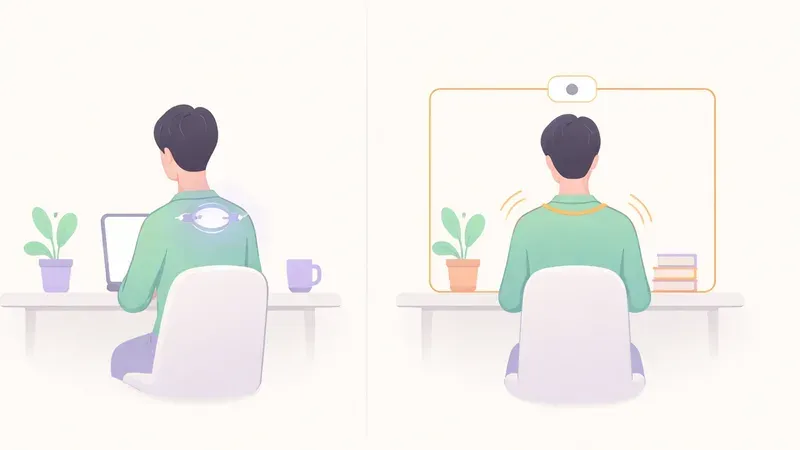
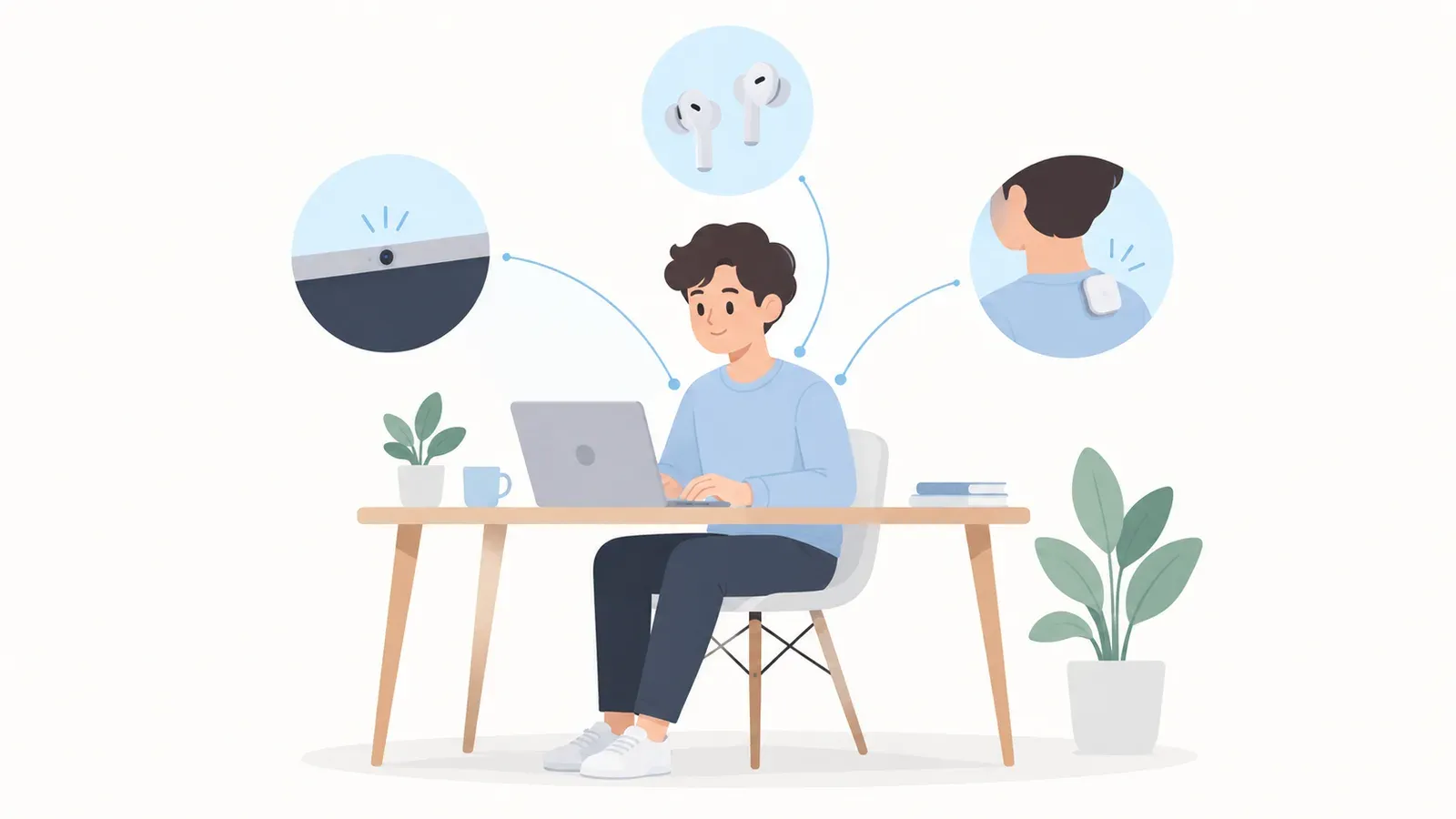
Start with the sensor you are willing to use. For supported computer desks, Slouch Sniper offers webcam-based screen feedback. For no-camera or off-desk use, compare headphone and body-worn options instead.
First, separate a tracker from a reminder
A posture tracker needs an input related to your position: for example, a webcam image or motion data from a sensor you wear. A timer can ask you to check your posture, but it cannot tell whether you were slouching when the reminder arrived.
That distinction is the starting point for this shortlist. It covers five products with documented posture-sensing approaches, not braces, chairs or every app that sends a wellness notification. For the broader workstation-tool question, see our posture correction tools guide.
“Best” here means a shortlist to match to your constraints. We have not run a controlled accuracy study or long-term trial of all five products. The ordering is by use case, not a numerical performance ranking, and we disclose that we make the first product.
Five posture trackers to compare in 2026
| Product | Sensor approach | Why put it on your shortlist? | Main requirement to check |
|---|---|---|---|
| Slouch Sniper | Webcam | Screen-dimming feedback; $19 direct lifetime offer | Windows or Apple Silicon Mac and camera access |
| SitApp | Webcam | Free starter tier; Linux included in published support | Daily free-use cap and desired paid features |
| Dorso | Webcam or supported AirPods | Mac option offering two input modes | Chosen sensor, distribution and Mac requirements |
| Posture Pal | Compatible headphone motion | Camera-free cues for people already wearing headphones | Exact headphone model and Apple-platform support |
| Upright GO 2 | Body-worn motion sensor | Vibration feedback beyond one computer's camera view | Wearing, attachment and charging routine |
These entries use each product's published functionality, not an inference from a brand name. The source ledger below links the current documentation and offers. 1 2 3 4
Slouch Sniper: the focused screen-cue option
Slouch Sniper is our choice to consider when the specific goal is noticing desk slouching without adding a dedicated wearable. It uses your existing suitable webcam, and the main interaction is a gentle dimming cue on the working screen that clears when you adjust.
That makes the proposition easy to evaluate. You are not buying an exercise program or a general health score. You are deciding whether a cue on the screen is a useful way to bring your attention back to your position.
The current direct lifetime license is $19. Windows and Apple Silicon Macs are supported; camera access is required. This is not a Linux or Intel-Mac recommendation, and it does not track you when you are outside a usable camera view.
Shortlist it for: a supported computer desk where you want screen-based feedback rather than a separate reminder area. Skip it for: a firm no-camera requirement or a task that needs off-desk tracking. See the cue before treating it as a fit.
SitApp: a way to try actual webcam tracking without paying first
SitApp documents a free plan with one hour of daily posture monitoring, plus paid access. It lists Mac, Windows and Linux support and uses webcam-based detection rather than a fixed posture-check timer. 1
The important tradeoff is the time allowance. One hour can answer an initial question about whether the sensing-and-reminder approach suits your workstation. It is not equivalent to free coverage for an entire working day. Decide which part of the day you need help with before choosing on the word “free.”
Shortlist it for: trying a real tracker at no initial software cost, particularly when Linux support matters. Check before paying: the exact plan that covers your intended daily usage. Our existing SitApp comparison focuses on the difference in feedback style.
Dorso: a Mac option when the input method matters
Dorso describes two modes: webcam sensing and supported AirPods head tracking. Its on-screen overlay options include more than one visual style, and the project is open source. 2
The unusual purchase question is flexibility. You may want camera-based input on one day and a headphone-based workflow on another. That does not make the measurements identical. Changing the input changes what the app can observe, so evaluate the chosen mode on its own terms.
Open source also answers a different question from price. Source availability may matter if you want to inspect or build software; it does not automatically establish the cost, support or installation experience of every packaged distribution.
Shortlist it for: a Mac workflow where choosing between camera and supported headphones is important. Check before committing: current distribution terms, setup and the behavior of the input mode you intend to use. See the existing Dorso comparison for the focused product decision.
Posture Pal: when compatible headphones are already part of work
Posture Pal's developer describes using headphone motion for neck-tilt reminders. It is available on iPhone and Mac, not just a phone-only accessory to a desktop workflow. 3
Its appeal is removing the need for a camera view. The cost is making compatible headphones part of the sensing setup. That can be nearly invisible friction for someone already wearing them, or a significant new habit for someone who works with speakers.
Shortlist it for: camera-free cues with headphones you already intend to wear. Check before committing: exact model compatibility, the app's paid options and whether its alert style suits the selected platform. Head orientation should not be mistaken for a complete measurement of every joint or spinal segment.
Upright GO 2: body-worn feedback rather than screen-dependent feedback
Upright GO 2 is a dedicated wearable with motion sensing and vibration feedback. Its store listed the standalone device at $79 when checked; accessories and bundles are separate decisions. 4
The reason to consider it is not that hardware must be better than software. It is that the sensor and cue move with you instead of depending on your presence in front of one webcam. That changes where you can use the product.
The counterweight is maintenance. Think about wearing, attachment and charging as part of the design, not afterthoughts. A sensor in a drawer cannot remind you of anything. Equally, dismissing wearables as inconvenient makes little sense when off-desk feedback is the main requirement.
Shortlist it for: someone who wants a body-worn cue outside a single desk setup. Check before committing: how you will wear it and the full hardware/accessory cost. Our Upright GO comparison explores the desk-versus-wearable tradeoff.
Choose with three filters, in this order
First: eliminate incompatible inputs and platforms. A Mac-only app does not solve a Windows requirement. A camera-free workflow needs a non-camera input. These are hard constraints, not minor deductions from a feature score.
Second: choose where the reminder belongs. Screen dimming, an overlay, a small notification and a body vibration are different interactions. Ask which you would notice during the task you actually do—not during an idealized demo.
Third: compare the full cost of the workable options. Include hardware you do not already own, free-tier limits, renewals, device entitlements and updates. Only after those checks does a sticker-price comparison become useful.
For tighter constraints, use our separate guides to posture apps without a camera and free posture reminder apps. Those pages answer different buying questions rather than repeating this list with a new headline.
What to evaluate during an ordinary session
Check the tracker while reading, typing, glancing at notes and turning toward another display. Does it notice the drift you care about? Are the reminders understandable? What happens when the sensor is unavailable? Can you pause it without fighting the interface?
A short personal trial can reveal workflow fit. It does not establish comparative clinical efficacy or prove that one app has the best model. Keep those claims separate.
Finally, do not turn tracking into a competition to remain motionless. HSE's screen-work guidance recommends breaks that allow movement and changes of posture. 5 The useful outcome is a reminder you can act on during a varied workday—not the highest score you can achieve by freezing in place.
Frequently asked questions
What is the difference between a posture tracker and a reminder?
A tracker uses an input related to position, such as a webcam or motion sensor. A timer-only reminder asks you to check yourself but cannot tell whether you were slouching.
Is a wearable always more accurate than a webcam app?
Not established here. They observe different information, and a meaningful comparison needs a defined task and controlled measurements. This guide selects by documented fit, not an accuracy benchmark.
Which option should I consider for Linux?
SitApp explicitly includes Linux in its published support. Check the current package and free-versus-paid limits. Slouch Sniper’s current supported desktop platforms are Windows and Apple Silicon Mac.
Do I need to sit perfectly still to get value from a tracker?
No. Treat the cue as a check-in rather than a demand to hold a rigid position. Movement and changes of posture remain part of a sensible screen-work routine.
Sources and comparison scope
Product information checked September 6, 2026. Prices and availability are regional snapshots, not checkout guarantees. Selection is by use case, not a measured accuracy, health-outcome or popularity ranking. Privacy descriptions are vendor statements, not independent audits.
- SitApp official product and plans — Webcam input, desktop platforms and limited free tier.
- Dorso official product information — Two input modes, overlays and source availability.
- Posture Pal developer: Mac release — Headphone-based approach and Mac availability; no historic price reused.
- Upright GO 2 official store — Wearable input, vibration and checked standalone-device offer.
- HSE: working safely with display screen equipment — Movement and changes of posture during breaks; not evidence for any app’s efficacy.
Slouch Sniper's direct-purchase price below comes from our shared pricing configuration. Platform support and product behavior are described on our product page; see our privacy policy for data handling beyond posture inference. These tools are not a diagnosis or a substitute for clinical care.
Want a reminder tied to your actual posture?
Slouch Sniper uses a suitable webcam on Windows or an Apple Silicon Mac to notice slouching and gently dim the screen. The direct lifetime license is $19, with no recurring license payment. It requires camera access; it is not an HRV tracker or a camera-free app.