Posture software · Buying guide
Best Posture Apps Without a Camera in 2026: 5 Options
Want your webcam covered? Compare headphone sensors, a wearable tracker and camera-free reminders—with a clear distinction between detection and timers.
By Karol Kłusek, founder of Slouch Sniper · · 7 min read
Disclosure: we make Slouch Sniper. This AI-assisted guide compares cited product documentation, not hands-on benchmark results. Sources and scope.
The decision in brief
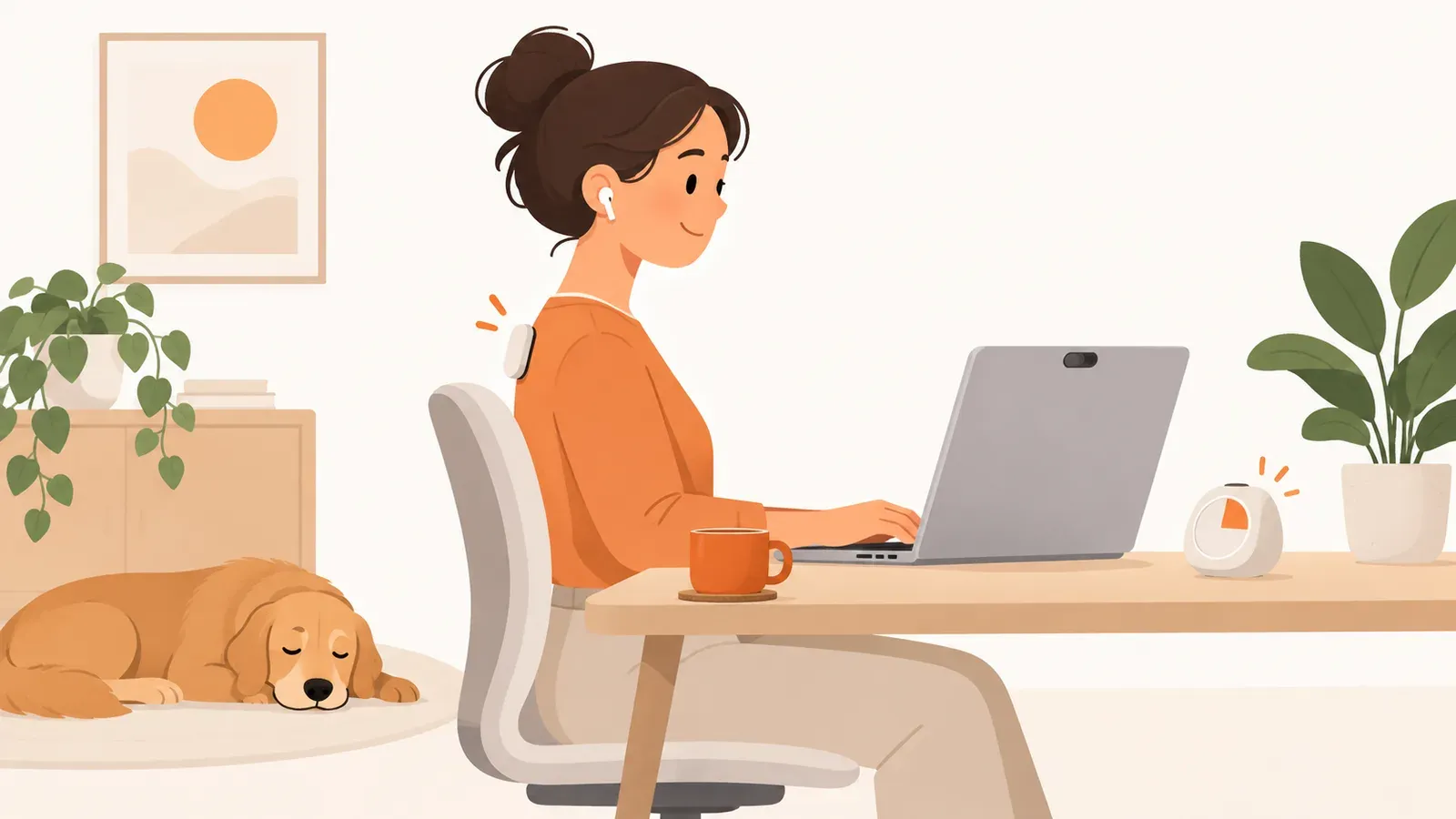
For actual no-camera sensing, compare compatible headphone apps or a wearable. For reminders without any worn sensor, use a break tool and check posture yourself. Slouch Sniper requires a webcam and does not meet a strict no-camera requirement.
“Without a camera” can mean two very different things
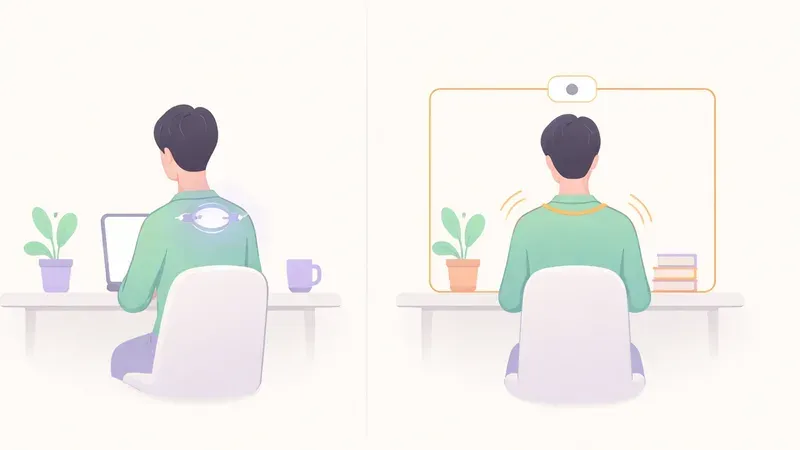
Some people want no camera access at all. Others are comfortable with a camera as long as images are processed locally rather than uploaded. Those are different requirements and lead to different shortlists.
This guide starts with the stricter requirement: a covered or unavailable webcam. Slouch Sniper does not meet it. It uses webcam-based detection, so we will not call it camera-free to win a place on the list.
There is also a second distinction: do you want to detect a change in position, or simply remember to check yourself? The former needs some suitable input. In the options below, that means compatible headphone sensors or a body-worn device. A timer can serve the second goal without observing your posture.
Five options, with the detection boundary made explicit
| Option | How it works without a camera | Does it use a posture-related sensor? | Constraint to check |
|---|---|---|---|
| Posture Pal | Compatible headphone motion | Yes: head/neck orientation input | Supported headphones and Apple app platform |
| Dorso, AirPods mode | Supported AirPods head tracking | Yes, in that selected mode | Mac, compatible AirPods and correct input setting |
| Upright GO 2 | Dedicated wearable and vibration | Yes: body-worn motion input | Hardware, attachment and charging |
| Stretchly | Scheduled short and longer breaks | No: break reminder | Available desktop build and reminder settings |
| Workrave | Computer-use and break scheduling | No: not a body-position detector | Stable Windows/Linux support |
The first three are sensing approaches. The last two are reminder tools, deliberately included for readers who want neither a camera nor a worn sensor. They should not be compared as if they measured the same thing. 1 2 3 4 5
Posture Pal: a natural fit for an existing headphone habit
Posture Pal uses compatible headphone motion data, and its App Store listing covers iPhone and Mac. Compatibility depends on motion-data support, not merely on whether a headset can play audio. 1
This approach makes sense when your headphones are already on for the sessions you care about. It is less attractive when using the posture app would be the only reason to put them on. Think through a typical day: calls, lunch, focus work, recharging and switching devices can all affect whether the input you want is available.
The important limitation is the nature of the measurement. Head orientation can be useful feedback, but it does not uniquely describe every possible torso or spinal configuration. Treat it as a particular signal, not a complete body assessment.
Decision: consider it when keeping the camera covered matters more than avoiding headphones. Confirm the exact model and app requirements before buying any new hardware.
Dorso: select AirPods mode, not its webcam mode
Dorso offers both webcam and supported-AirPods input on Mac. Its AirPods mode is the reason it appears here; the existence of a camera mode does not make every session camera-dependent. 2
The setup detail matters. When evaluating a dual-input app for a no-camera requirement, verify which input is actually enabled. A screenshot of a privacy claim is not a substitute for checking your chosen configuration and permissions.
This is a useful option to investigate for someone who wants a Mac desktop overlay while relying on headphone input. It is not a Windows recommendation, and headphones still become part of the working setup. Its existing product comparison discusses the broader choice.
Upright GO 2: no webcam, but a dedicated device
Upright GO 2 takes the sensor off the computer and puts it on your body. Its documented feedback is vibration rather than a requirement to look at a screen. 3
That can be the relevant advantage when your work shifts between a computer and other activities. It also changes the cost and routine: you need a device, a way to wear it and a charging habit. The absence of camera access does not make those requirements disappear.
Instead of asking whether a wearable is inherently better, ask whether you want the reminder to follow you beyond one camera view. For that requirement, hardware can be the point rather than an unnecessary complication. For a laptop-only habit, it may be more equipment than you intended to add.
Decision: investigate it when a body-worn cue is welcome. Evaluate comfort and attachment for your own routine; do not infer those from a product photo.
Stretchly: a camera-free reminder, not a slouch detector
Stretchly is an open-source break-reminder app with desktop downloads. It schedules pauses; it is not presented here as measuring the position of your body. 4
This can be enough when the goal is remembering to move, look away or check your position periodically. You do the observation yourself. The tradeoff is that the prompt is not triggered by a detected slouch, and a missed cue will not be rescued by a sensor noticing that nothing changed.
A reminder app is not a failed tracker. It is a simpler tool for a different job. Choose it when you want an occasional prompt and do not need a claim about what your posture was between prompts.
Workrave: a Windows/Linux break workflow
Workrave's stable downloads target Windows and GNU/Linux. Its purpose is managing computer-use breaks rather than assessing your body's position. A development Mac port should not be presented as equivalent to a stable, supported Mac release. 5
For a reader on those stable platforms, the buying decision is really a setup decision: can a configured break schedule cover the habit you want to change? Try that before buying sensors you do not otherwise want.
The distinction from tracking remains the same. A record of computer activity is not a record of where your head, shoulders or back were. It can tell you when to check in, not whether a particular slouch occurred.
What if your real concern is uploads, not camera access?
Then your shortlist can be wider. On-device webcam inference is a different requirement from sending a camera stream to a server. Slouch Sniper uses the former approach, and our privacy policy describes the broader product's data practices.
That does not make it camera-free. It means it may be relevant only when local webcam use is acceptable. Do not buy it for a computer on which you must keep camera permission disabled. This is an important compatibility boundary, not fine print.
Our guide to posture trackers compares camera and non-camera sensing side by side. Start there when the sensor itself is still an open choice.
Choose the smallest setup that meets the actual requirement
For no webcam, compatible headphones already worn, compare the headphone-sensor options. For no webcam, feedback away from one computer, investigate a body-worn tracker. For no camera and no worn sensor, consider a reminder schedule and accept that you will be doing the posture check yourself.
Those are constraints, not a ranking of personal preferences. Someone who values a covered camera is not using the product incorrectly, and someone who chooses a webcam need not buy a wearable to make the setup legitimate.
If the computer is managed by an employer, confirm that the chosen app and device permissions are allowed before installing. A no-camera approach can still require software or sensor access that matters to the organization.
A reminder should create a useful pause, not constant self-monitoring
Decide in advance what you will do after a cue: briefly check the workstation, adjust comfortably, change position or take a movement break. If every signal starts a long session of inspecting your posture, consider a less intrusive schedule or a different interaction.
HSE's screen-work guidance emphasizes movement and posture changes during breaks. 6 Neither a headphone reading nor a webcam estimate is a reason to spend the day holding one pose. The best fit is a cue that supports your routine while respecting your sensor and privacy preferences.
Frequently asked questions
Can a posture app work without a camera?
Yes, when it uses another suitable input such as compatible headphone motion or a body-worn sensor. A timer-only app can also remind you to check posture, but it does not detect the posture itself.
Can I use Slouch Sniper with my webcam covered?
No. It needs a usable camera view for its posture detection. Local processing is not the same as functioning without camera access.
Is Dorso camera-free?
Its documented AirPods mode is camera-free; it also has a separate webcam mode. Check the selected input and compatible hardware rather than assuming the app always uses one mode.
Does avoiding a camera mean an app collects no data?
Not necessarily. Camera access, local processing, accounts, analytics and data retention are separate questions. Read the selected product’s current disclosures and settings.
Sources and comparison scope
Product information checked September 6, 2026. Prices and availability are regional snapshots, not checkout guarantees. Selection is by use case, not a measured accuracy, health-outcome or popularity ranking. Privacy descriptions are vendor statements, not independent audits.
- Posture Pal App Store listing — Headphone input and platform/model requirements.
- Dorso input modes — Separate webcam and supported-AirPods modes on Mac.
- Upright GO 2 official product — Body-worn sensing and vibration feedback.
- Stretchly official downloads — Desktop break-reminder distribution; not a posture-sensing claim.
- Workrave official downloads — Stable Windows/Linux availability versus development builds.
- HSE screen-work routine guidance — Movement and changes of posture, not product-specific outcomes.
Slouch Sniper's direct-purchase price below comes from our shared pricing configuration. Platform support and product behavior are described on our product page; see our privacy policy for data handling beyond posture inference. These tools are not a diagnosis or a substitute for clinical care.
Local webcam use acceptable? Then there is another option.
Slouch Sniper uses a suitable webcam on Windows or an Apple Silicon Mac to notice slouching and gently dim the screen. The direct lifetime license is $19, with no recurring license payment. It requires camera access; it is not an HRV tracker or a camera-free app.