Product comparison
Slouch Sniper vs SwoopyBoopy: Screen Dimming or Corner Nudges?
Two webcam posture apps, different feedback. Compare Slouch Sniper and SwoopyBoopy on screen cues, current license offers, camera requirements and daily workflow.
By Karol Kłusek, founder of Slouch Sniper · · 7 min read
Disclosure: we make Slouch Sniper. This AI-assisted guide compares cited product documentation, not hands-on benchmark results. Sources and scope.
The decision in brief
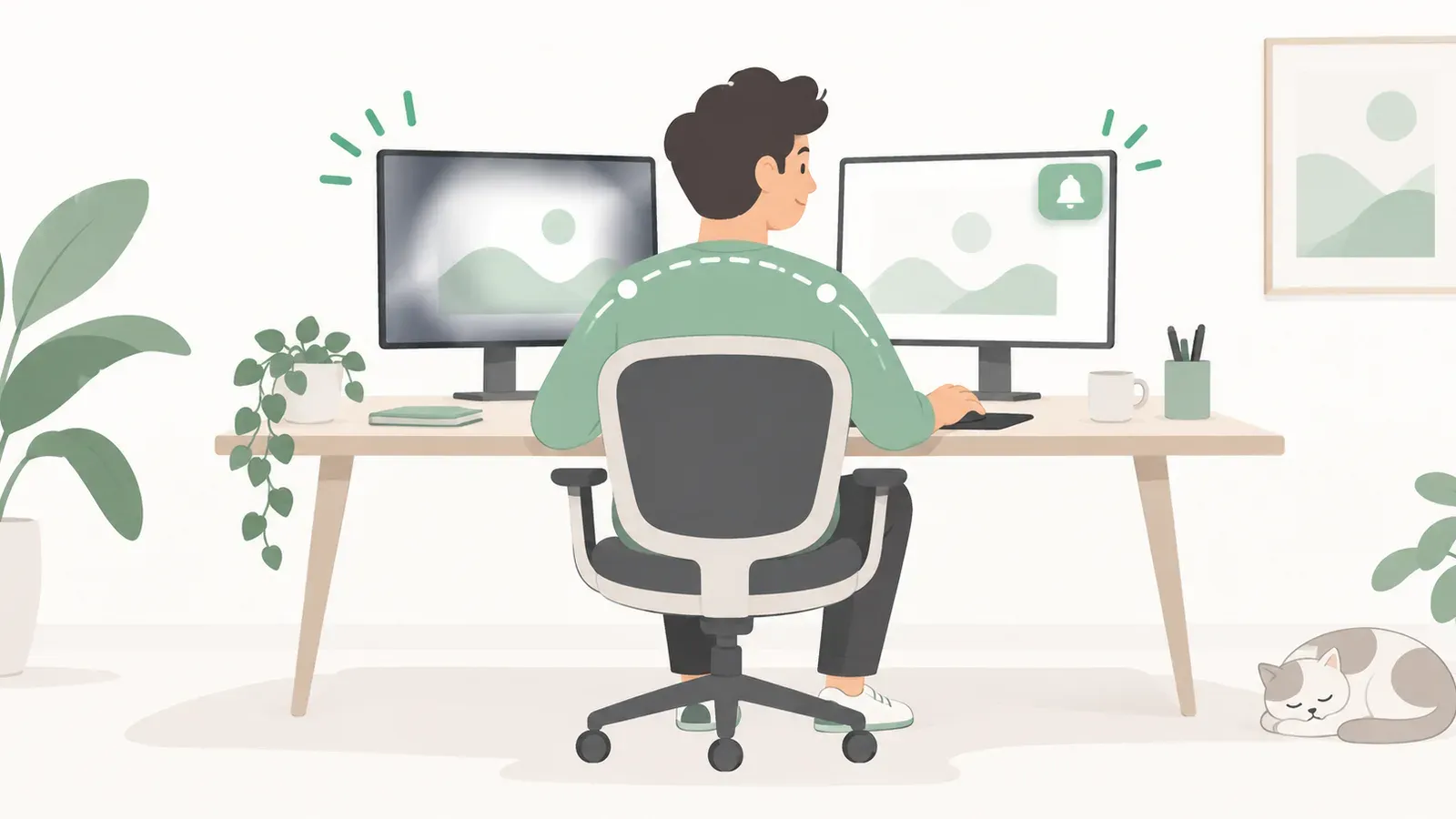
Choose Slouch Sniper when you want a dimming cue on your working screen. Consider SwoopyBoopy when you prefer a corner reminder. Its checked $17 launch offer is lower, so the stronger reason to choose Slouch Sniper is the interaction—not a made-up price advantage.
Two webcam apps, two ways to get your attention
Slouch Sniper and SwoopyBoopy are closer alternatives than a posture app and a general health dashboard. Both describe webcam-based, on-device posture detection. The purchase decision is therefore less about whether you want a tracker and more about what should happen when it notices a drift.
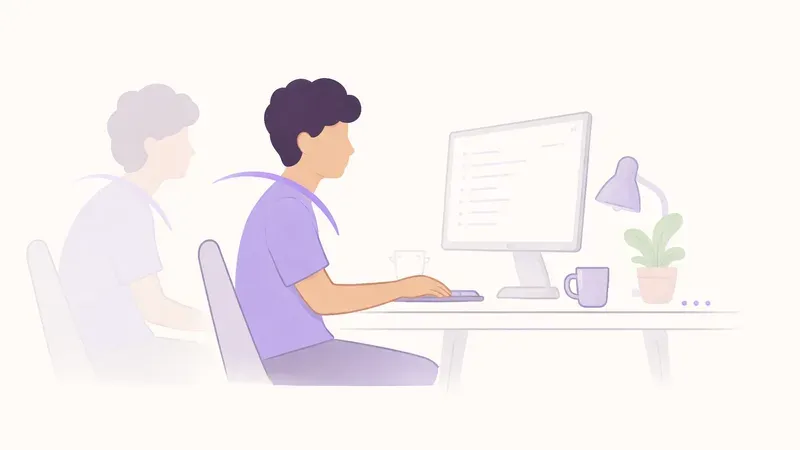
Slouch Sniper gently dims your working screen. SwoopyBoopy describes a small corner window that nudges you until you adjust. Its FAQ also describes waiting for sustained drift—roughly half a minute—rather than treating every head movement as a reason to interrupt. 1
That gives you a concrete comparison. Do you want the cue to affect the screen you are already watching, or do you prefer a separate reminder area? Neither preference needs an invented accuracy score to justify it.
Slouch Sniper vs SwoopyBoopy at a glance
| Decision | Slouch Sniper | SwoopyBoopy |
|---|---|---|
| Input | Webcam posture detection | Webcam posture detection |
| Main cue | Gentle screen dimming | Corner-window nudge |
| Processing description | On-device inference | On-device inference |
| Advertised desktop fit | Windows and Apple Silicon Mac | Mac and Windows; verify the installer for your machine |
| Current advertised purchase | $19 direct lifetime license | $17 one-time launch offer |
| Important purchase detail | Check the current direct license offer | Listed offer covers one device and one year of updates |
SwoopyBoopy's figures and descriptions are a September 6, 2026 snapshot of its own site. A launch offer can change; inspect the current checkout and license terms. 1
The case for Slouch Sniper: keep the cue in the task
Consider what happens when a reminder lands outside your attention. You can agree with it, postpone the adjustment and continue the same task. Buying a different notification app is not necessarily the solution when the problem is that notifications live somewhere you rarely look.
Slouch Sniper takes a different design approach. The dimming cue appears on the surface you are using for work, and normal display returns when you adjust. You do not need to move your gaze to a dashboard to understand the basic interaction.
That is the main reason to choose Slouch Sniper here. We are not claiming that it will force better habits or that a corner reminder cannot work. We are offering a feedback style that may fit people who already know they tend to ignore separate prompts.
A cue should still leave room for normal movement
A posture reminder should not make you afraid to lean briefly, turn to another screen or look down at a notebook. Slouch Sniper exposes reminder settings so you can tune the interaction. SwoopyBoopy also describes distinguishing sustained drift from momentary movement. Do not reduce this comparison to “strict app versus app that never bothers you.”
The useful question is whether the signal arrives at a sensible point in your own workflow. Too many irrelevant prompts can make any interface unwelcome; a cue that never appears when you need it is not helpful either. Those are evaluation criteria, not measured differences between these products.
The case for SwoopyBoopy: leave the rest of the display alone
There are good reasons to prefer a separate corner cue. You might dislike changes to the appearance of the working screen, or you might want to keep one small reminder area visible beside a document. For that preference, the alternative interaction is a benefit, not a missing feature.
SwoopyBoopy also advertises weekly reporting. A retrospective report may interest someone who wants to review a working pattern rather than only react during a session. That should not be mistaken for a clinical outcome or proof that one product produces more consistent use. 1
When comparing reports, first decide what you would do differently after reading one. “A low score would make me feel guilty” is not the same as “I would reposition my monitor because I keep leaning at this desk.” Prefer information that leads to a specific, useful action.
Price is not a reason to pretend we win every row
At the checked offers, SwoopyBoopy's $17 launch price is lower than Slouch Sniper's $19 direct lifetime offer. We would not use an inflated future price to make the comparison look different. 1
Instead, decide whether the interaction suits you. A small one-time price difference should not outweigh an interface you will encounter throughout many work sessions. The more expensive app is not automatically more capable, and the cheaper one is not automatically the better fit.
Also separate three questions that are often bundled under “lifetime”: how long you can use the purchased version, how long updates are included, and how many devices a license permits. SwoopyBoopy explicitly lists a one-device offer and one year of updates. That does not, by itself, mean the purchased app stops working after twelve months. Confirm the terms rather than inferring an expiry from the updates period. 1
Our direct checkout shows Slouch Sniper's current offer. Do not infer multi-device, transfer or future-version rights that are not stated in the selected license.
Camera permissions are a shared constraint
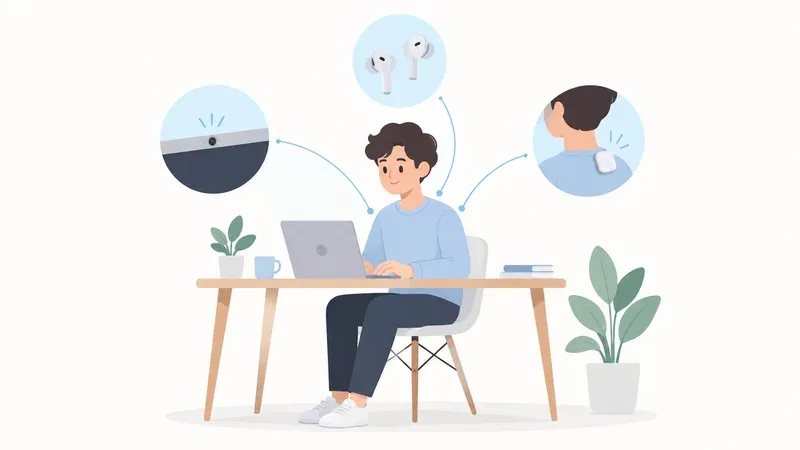
Neither app is the answer to a requirement that the webcam remain covered. Both depend on usable camera input for the posture-detection approach discussed here.
Treat camera availability as part of the workflow. A managed laptop may restrict permissions, a monitor position may give an unsuitable view, or another camera-dependent activity may complicate use. We have not tested every combination of conferencing software, operating system and camera driver, so this article does not promise universal simultaneous-camera compatibility.
For privacy, distinguish local inference from everything else a product may do. A vendor's description of on-device processing is useful, but it is not an independent security audit. Check account, analytics and optional sharing practices separately. Our broader rules are in the Slouch Sniper privacy policy.
Compare them using ordinary work, not a staged demo
Here is a proposed way to evaluate a posture app, rather than a claim that we have already run a head-to-head trial.
Start with a comfortable desk setup and the product's normal calibration. Spend a session doing the activity you actually bought it for: reading, coding, editing or working between two screens. Notice whether the cue is understandable when it appears and whether your normal movements produce reminders you would dismiss.
Then consider recovery. Is it obvious how to return to an unobstructed work state? Does the chosen cue draw enough attention without making you resent the app? Can you readily pause or adjust the setup when the task changes?
You can keep a simple note of useful reminders, irrelevant reminders and times you turned the app off. This is your own fit check, not a controlled accuracy study. Its purpose is to avoid choosing based on a screenshot or a one-minute exaggerated slouch demonstration alone.
Which one would we choose for your desk?
Choose Slouch Sniper when you want the posture cue directly on the screen and separate prompts are the part of your current setup you tend to miss. Preview that interaction first; you should like the core behavior before paying for it.
Choose SwoopyBoopy when a corner-window reminder better matches your work, and its current license and platform offer fit your needs. Its lower advertised launch price is a real point in its favor, not something to hide.
The useful winner is the one whose sensor requirements and feedback you accept during real work. For Slouch Sniper, the next step is straightforward: see the screen-dimming cue, then decide whether it is the reminder you were missing.
Frequently asked questions
Is SwoopyBoopy a timer or a real posture app?
It describes webcam-based posture detection with a delay for sustained drift. It should not be described as a timer-only reminder.
Is Slouch Sniper cheaper than SwoopyBoopy?
Not at the offers checked for this article: SwoopyBoopy advertised $17 at launch, while Slouch Sniper’s direct lifetime offer is $19. Verify both current offers before buying.
Does one year of updates mean SwoopyBoopy expires after a year?
An updates period and a right to use the purchased version are different license questions. The quoted update term alone does not establish that the app stops working; check the current license terms.
Which one is more accurate?
We have not performed a controlled comparison and do not claim an accuracy winner. This guide compares published functionality, licensing details and feedback design.
Sources and comparison scope
Product information checked September 6, 2026. Prices and availability are regional snapshots, not checkout guarantees. Selection is by use case, not a measured accuracy, health-outcome or popularity ranking. Privacy descriptions are vendor statements, not independent audits.
- SwoopyBoopy: official product, pricing and FAQ — Corner cue, local inference, sustained-drift behavior and checked launch license. These are published vendor details, not independent test results.
Slouch Sniper's direct-purchase price below comes from our shared pricing configuration. Platform support and product behavior are described on our product page; see our privacy policy for data handling beyond posture inference. These tools are not a diagnosis or a substitute for clinical care.
Prefer the reminder on the screen you are already watching?
Slouch Sniper uses a suitable webcam on Windows or an Apple Silicon Mac to notice slouching and gently dim the screen. The direct lifetime license is $19, with no recurring license payment. It requires camera access; it is not an HRV tracker or a camera-free app.