Best Posture Correction Tools in 2026: What Actually Helps Daily
Most posture tools fail for one reason: they are easy to buy but hard to stick with.
If you're comparing the best posture correction tools in 2026, focus less on hype and more on adherence. The right stack should help you notice slouching quickly, correct without friction, and keep the habit going for months.
Quick Ranking: What Works Best for Most People
- Webcam posture apps for desk workers (highest consistency)
- Ergonomic desk setup tools (screen riser, external keyboard, chair tweaks)
- Habit cues + micro-break timers (low cost, big impact)
- Wearable posture trainers (useful, but adherence often drops)
- Posture braces (short-term awareness only, not a long-term fix)
No single tool is magic. The best results usually come from combining one tracker with one setup fix.
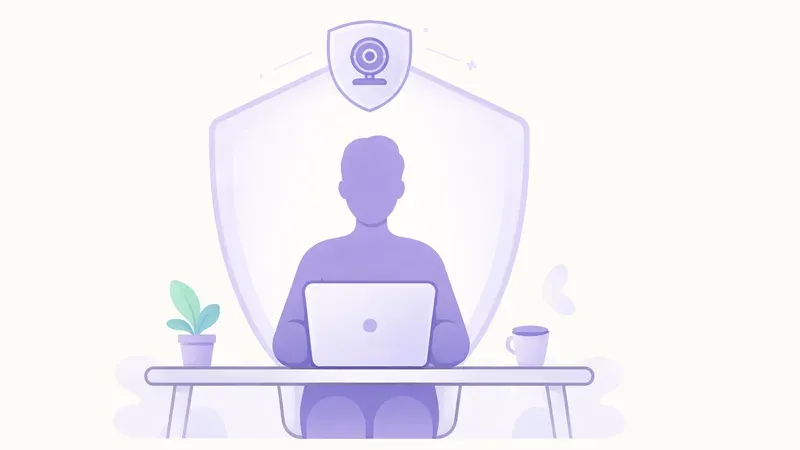
1) Webcam Posture Apps (Top Pick for Remote Work)
Why they rank first:
- no device to wear all day
- reminders happen in context while you work
- easy to calibrate and adjust over time
Look for local processing, reminder controls, and weekly trend snapshots. If alerts are too frequent, you will ignore them.
2) Ergonomic Setup Tools (Highest ROI per Dollar)
A few simple setup tools outperform most expensive gadgets:
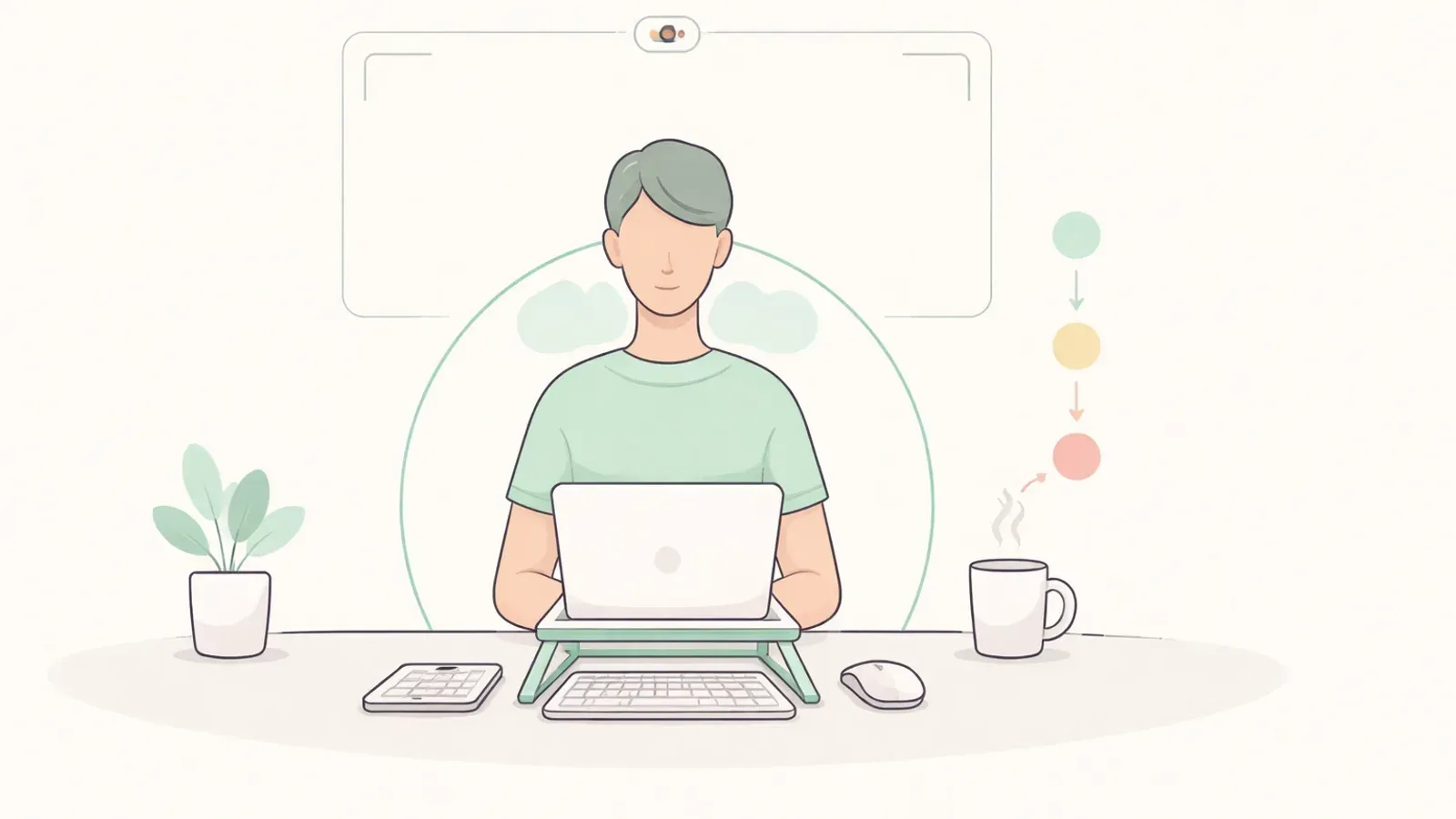
- laptop stand or monitor riser
- external keyboard and mouse
- foot support when chair height is off
These reduce mechanical strain immediately and make good posture easier to maintain.
3) Micro-Break Timers and Movement Prompts
Static posture is the real problem. A timer that nudges you every 25-45 minutes can lower end-of-day stiffness even without perfect alignment.
Best practice:
- start with one nudge every 35-40 minutes
- add a 60-90 second reset (stand, breathe, shoulder rolls)
- track completion rate, not perfection
4) Wearable Posture Trainers
Wearables can work well for awareness, especially in the first 2-4 weeks.
Common drop-off reasons:
- charging friction
- skin/clothing discomfort
- alert fatigue outside desk work
If you use a wearable, pair it with a clear schedule (for example 2 focused blocks per day).
5) Posture Braces: Useful but Limited
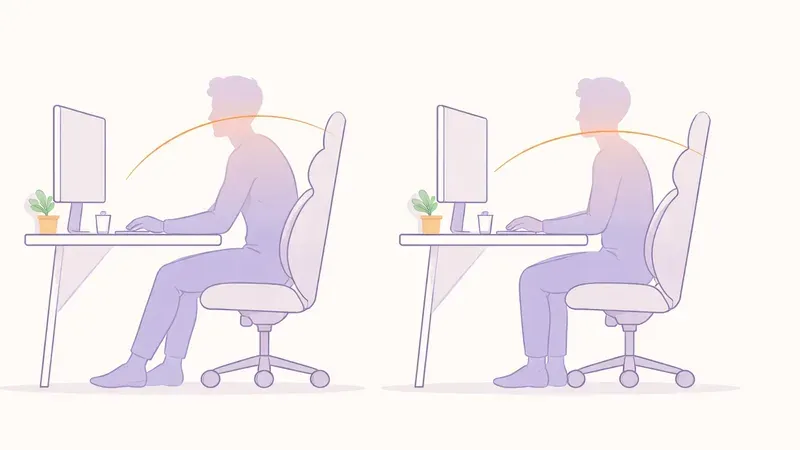
Braces can provide temporary feedback, but over-reliance may reduce active muscle engagement.
Use braces as a short-term cue, not as your primary long-term strategy.
How to Choose the Right Tool Stack
Pick based on your work pattern:
- Remote desk job: webcam app + setup tools + micro-break timer
- Hybrid office/home: portable stand + keyboard + app presets for each location
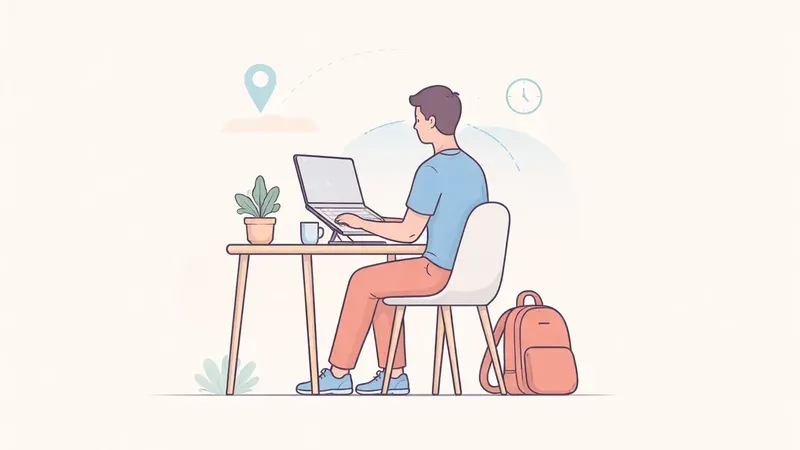
- Frequent travel: lightweight laptop stand + low-friction reminders
If you only choose one thing, choose the tool you will actually use every day.
14-Day Adoption Plan
Days 1-3
Set up one tracker and one desk fix.
Days 4-7
Tune reminder frequency to reduce false positives.
Days 8-14
Review discomfort trend and alert response rate; keep what works, remove friction.
Consistency beats complexity.
FAQ
Q: Are expensive posture gadgets better than simple setup changes?
A: Usually not. Basic ergonomic changes plus consistent reminders often beat high-cost gadgets.
Q: Do posture braces fix posture permanently?
A: No. They can increase awareness short-term, but long-term improvement requires active habits and strength.
Q: What is the best posture correction tool for programmers?
A: For most programmers, a webcam posture app combined with screen-height and keyboard adjustments works best.
Q: How long does it take to notice results?
A: Many people notice less stiffness in 1-2 weeks when they consistently use reminders and movement breaks.