How to Fix Gamer Lean in 2026: A Practical Daily Reset Plan
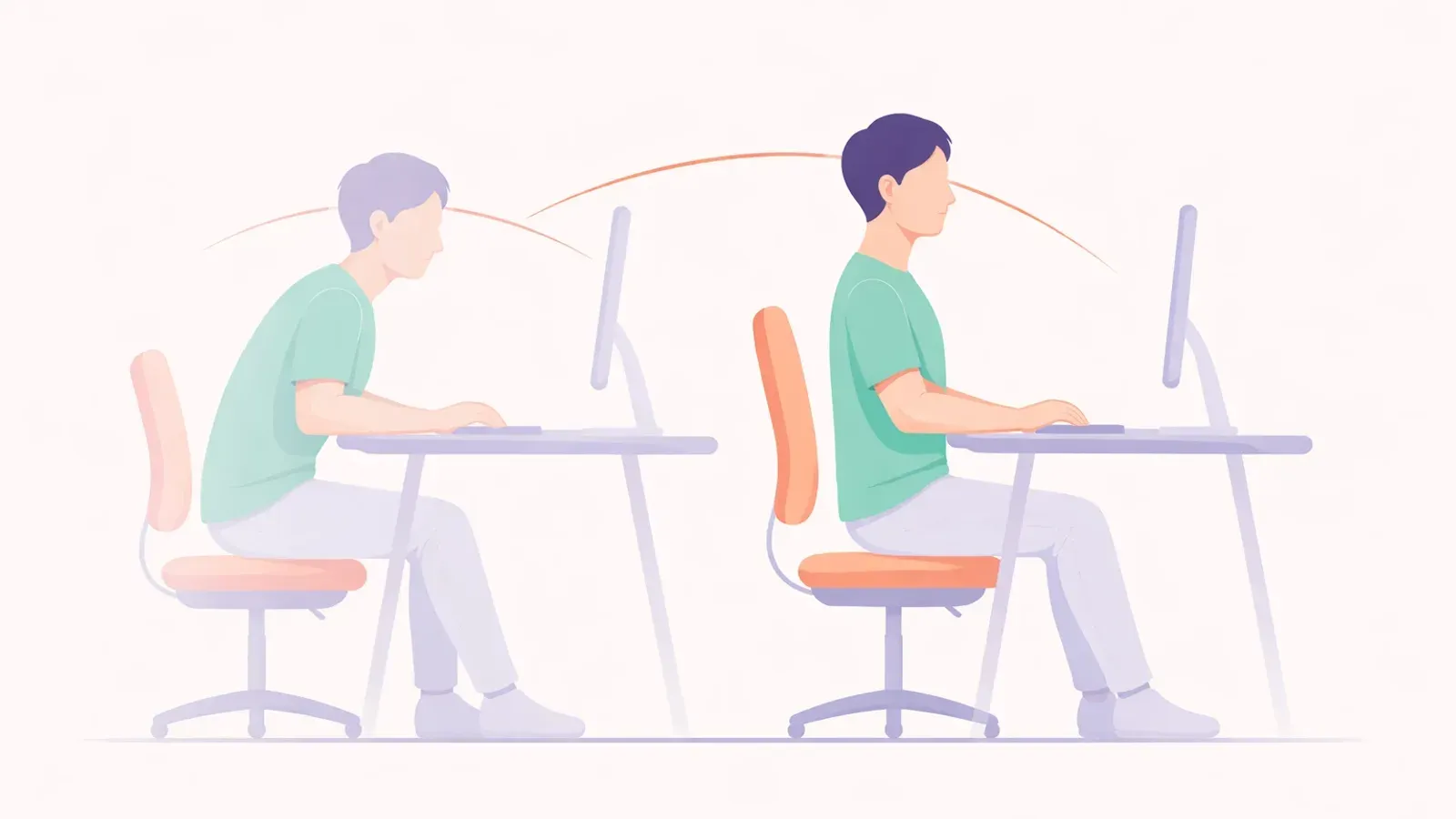
Gamer lean is what happens when your body slowly drifts toward one side during long sessions. It often starts as a subtle shoulder drop or neck tilt and turns into stiffness, fatigue, and nagging pain.
The good news: you do not need a complicated rehab program. You need a repeatable setup, short movement resets, and better awareness during matches.
What Causes Gamer Lean
Gamer lean usually comes from a combination of:
- Mouse-side dominance (one shoulder loaded more than the other)
- Uneven desk setup (monitor and keyboard not centered)
- Long static sessions without movement breaks
- Forward-head compensation when focusing hard
- Chair habits like sitting on one leg or rotating the pelvis
If your setup starts asymmetrical, your posture will copy that asymmetry for hours.
2026 Quick Setup Fix (10 Minutes)
Before exercises, fix your environment:
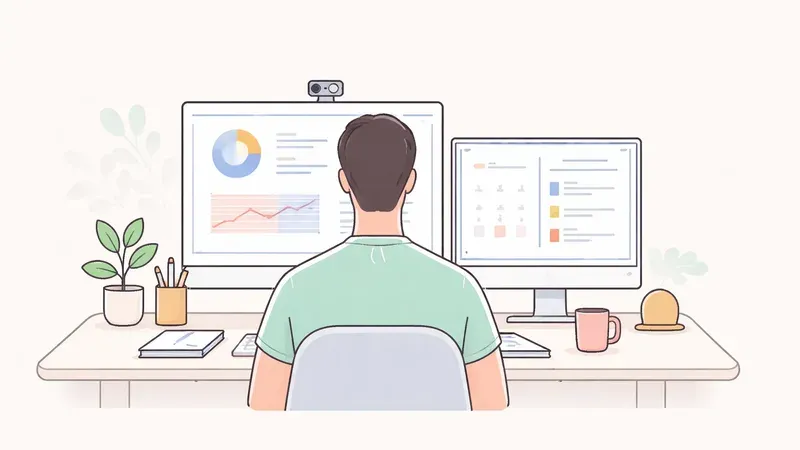
- Center your main monitor directly in front of your nose.
- Keep keyboard centered with your body, not with desk edges.
- Place mouse close enough so elbow stays near your ribs.
- Keep both feet grounded and hips level.
- Raise seat so elbows rest around 90-100 degrees.
For full desk basics, see Desk Ergonomics for Better Posture: The 10-Minute Setup.
The 3-Part Gamer Lean Reset Routine
Run this routine every 45-60 minutes between games.
1) Symmetry Check (30 seconds)
- Sit tall and inhale slowly.
- Notice if one shoulder is higher.
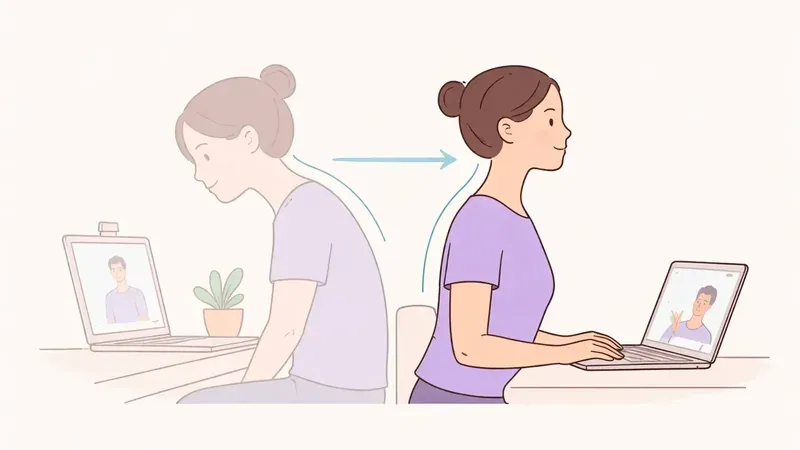
- Gently level shoulders and stack ears over shoulders.
2) Mobility Reset (2 minutes)
- 5 slow neck rotations each way
- 8 thoracic extensions over chair back
- 10 standing arm sweeps (big circles)
3) Strength Activation (2 minutes)
- 12 band pull-aparts (or towel pull tension)
- 10 wall slides
- 20-second side plank each side
This sequence restores neutral alignment and reduces the one-sided load pattern.
Use Alerts Without Getting Annoyed
In 2026, camera-based posture reminders are a practical way to catch lean early.
Best practice:
- Start with moderate sensitivity for 3-5 days.
- Use reminders during ranked or long grinding sessions.
- Recalibrate when you change chair height, monitor position, or lighting.
Related: Best Posture App for Dual Monitor Setup: A Practical 2026 Guide.
Weekly Progress Metrics
Track simple signals once per week:
- Can you sit centered for 20 minutes without drifting?
- Is neck/upper trap tightness lower after sessions?
- Are post-session headaches less frequent?
- Do screenshots/webcam checks show more level shoulders?
Small trend improvements matter more than perfect posture.
When to Get Professional Help
Talk to a physical therapist if you have:
- Numbness or tingling in arm/hand
- Pain that wakes you at night
- Symptoms lasting more than 4-6 weeks despite changes
- Clear strength loss on one side
This guide is educational, not medical diagnosis.
FAQ
Q: Is gamer lean the same as scoliosis?
A: No. Gamer lean is often a functional posture habit, while scoliosis is a structural spinal condition diagnosed clinically.
Q: How long does it take to fix gamer lean?
A: Most people notice improvement in 2-4 weeks with daily setup corrections and short movement resets.
Q: Should I buy an expensive ergonomic chair first?
A: Not necessarily. Start with monitor, keyboard, and mouse positioning, then add equipment only if needed.
Q: Can strength training help?
A: Yes. Upper-back and core endurance work helps you hold neutral posture longer under gaming load.