Posture Tracker for Digital Nomads: A Practical Setup That Travels With You
If you work from cafés, coworking spaces, trains, and hotel desks, your posture routine needs to be portable.
A good posture tracker for digital nomads should adapt quickly to changing environments, give useful reminders without nagging, and help you maintain consistency even when your setup changes every day.
Why Nomad Posture Problems Are Different
Traditional desk ergonomics assumes a fixed workstation. Nomad work is the opposite:
- chair height changes daily
- laptop screens are often too low
- lighting and webcam angle vary
- work sessions are fragmented by travel
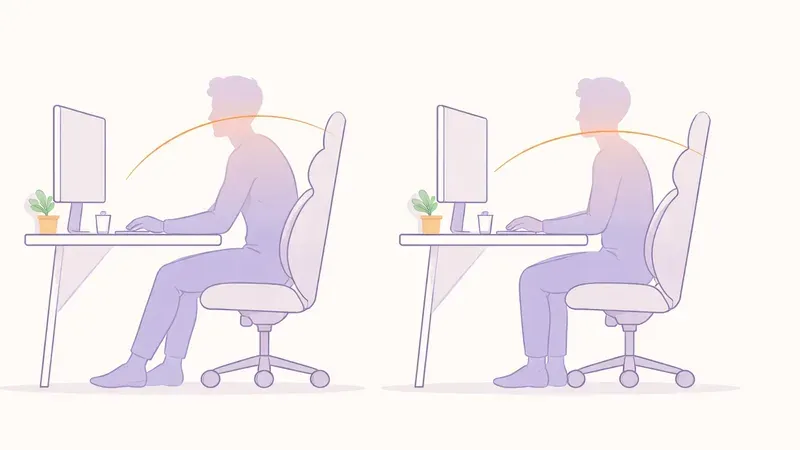
That means your posture strategy should focus on fast calibration + habit cues, not perfect furniture.
What to Look For in a Posture Tracker
1) Fast recalibration
You should be able to reset baseline posture in under 30 seconds when switching location.
2) Camera-first feedback
A lightweight webcam tracker works better for nomads than extra wearables to charge and carry.
3) Reminder flexibility
Look for configurable cadence (for example every 20-45 minutes) so alerts match deep-work blocks.
4) Privacy-first processing
Prefer tools that analyze posture locally and avoid uploading raw camera video.
The 5-Minute Nomad Setup Routine
Use this every time you open your laptop in a new place:
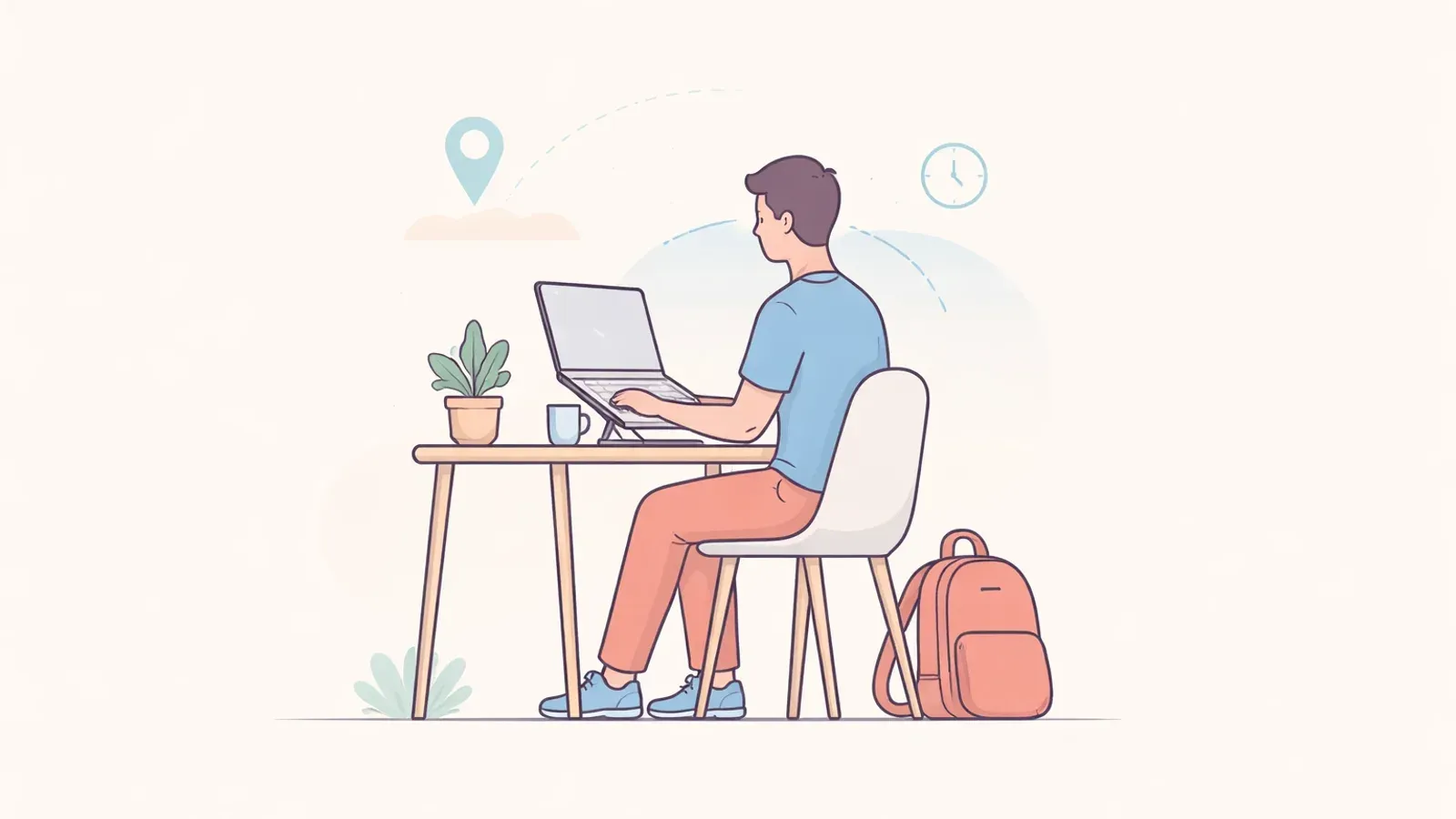
- Raise screen height with a stand or even a book.
- External keyboard if possible to keep shoulders relaxed.
- Webcam at eye level for cleaner tracking.
- Feet grounded (or use a backpack as a footrest).
- Run tracker calibration and start with low-frequency reminders.
Perfection is not required. Repeatable setup is.
Alert Settings That Actually Work on the Road
Nomads often ignore apps that alert too often. Start simple:
- first week: one reminder every 35-45 minutes
- second week: reduce to 25-35 minutes if needed
- daily limit: cap reminders to avoid fatigue
Your goal is gentle course-correction, not constant interruption.
Travel-Friendly Equipment (Minimal Kit)
A practical posture kit that fits in most backpacks:
- foldable laptop stand
- compact keyboard
- small wireless mouse
- optional lightweight webcam cover for privacy
This tiny setup usually does more for posture than expensive chairs you can't travel with.
Weekly Scorecard for Consistency
Track these 3 metrics once per week:
- average focused session length
- reminders acknowledged (not dismissed)
- end-of-day neck/upper-back discomfort trend
If at least two improve over 2-3 weeks, your system works.
FAQ
Q: Can I use a posture tracker with only a laptop, no external monitor?
A: Yes. A laptop-only setup works if you raise screen height and keep reminders realistic.
Q: Are wearables better for digital nomads than webcam trackers?
A: Not always. Many nomads prefer webcam-based tools because there is less to charge and carry.
Q: How often should I recalibrate while traveling?
A: Recalibrate whenever your location changes significantly (new desk, chair, or camera angle).
Q: What's the fastest way to reduce travel-related neck strain?
A: Raise screen height, shorten uninterrupted sitting blocks, and use low-friction reminder cadence.