Privacy-First Webcam Health Monitoring: How It Works Without Uploading Your Video
Webcam-based health and posture tools can be useful, but many people hesitate for one reason: privacy.
The good news is that modern apps can monitor posture and movement without storing or streaming your camera feed. In this guide, you'll learn what privacy-first monitoring actually means, what to check before installing any tool, and how to set it up safely.
What Privacy-First Means in Practice
A privacy-first webcam health app should follow these rules:
- On-device processing (analysis happens on your computer)
- No raw video upload to cloud servers
- Minimal data collection (only posture events/metrics)
- Clear controls (pause, disable, and delete history)
- Transparent policy written in plain language
If an app cannot explain these points clearly, treat that as a red flag.
Local Processing vs Cloud Processing
Local (preferred)
- Camera frames are analyzed in memory
- No continuous video transfer
- Faster feedback and fewer privacy risks
Cloud (higher risk)
- Frames or clips may be transmitted externally
- Extra compliance and storage concerns
- Potentially harder to audit what is retained
For most users, local processing gives the best balance: practical reminders with lower exposure.
The 5-Point Privacy Checklist Before You Install
- Read the privacy policy: Does it explicitly say camera images are not stored?
- Check permissions: Can you revoke camera access instantly?
- Inspect settings: Is there an option to disable analytics/telemetry?
- Look for retention details: How long are logs kept, and can you delete them?
- Verify offline behavior: Does core posture detection still work without internet?
This quick checklist helps you avoid “health apps” that collect more than they need.
Safe Setup in 10 Minutes
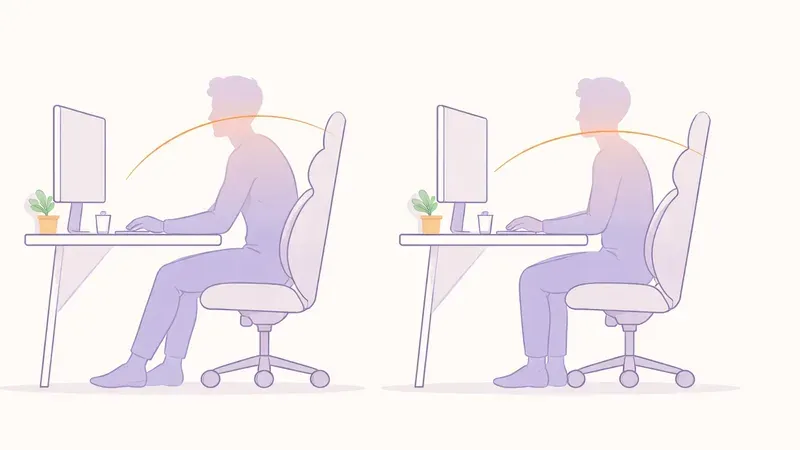
- Place your webcam at eye level for cleaner posture signals.
- Keep normal room lighting (not dark, not overexposed).
- Start with low-frequency reminders to reduce alert fatigue.
- Keep weekly summaries, not minute-by-minute micrologs.
- Recalibrate after changing desk, chair, or monitor height.
Need baseline desk setup first? Read Desk Ergonomics for Better Posture: The 10-Minute Setup.
What Data Should Be Stored (and What Should Not)
Reasonable to store
- Timestamp of posture reminders
- Session duration
- Trend score (improving/steady/declining)
Should usually not be stored
- Full webcam video
- Screenshots of your face or room
- Detailed biometric identity profiles
Collect only what helps habit change. Everything else is noise and risk.
FAQ
Q: Can webcam posture monitoring work without sending video to the cloud?
A: Yes. On-device models can analyze posture locally and keep only lightweight events or scores.
Q: Is privacy-first monitoring less accurate?
A: Not necessarily. For posture reminders, local analysis is usually accurate enough and often faster.
Q: What should I do if a tool is vague about camera storage?
A: Assume higher risk and choose a product with explicit no-storage language and clear retention controls.
Q: Should I keep posture logs forever?
A: Usually no. Keep short trend windows (for example 30-90 days) and delete older data unless needed.