Do Posture Apps Really Work in 2026? Evidence, Limits, and Best-Use Plan
Short answer: yes, posture apps can work—if you use them as habit coaching, not as magic correction.
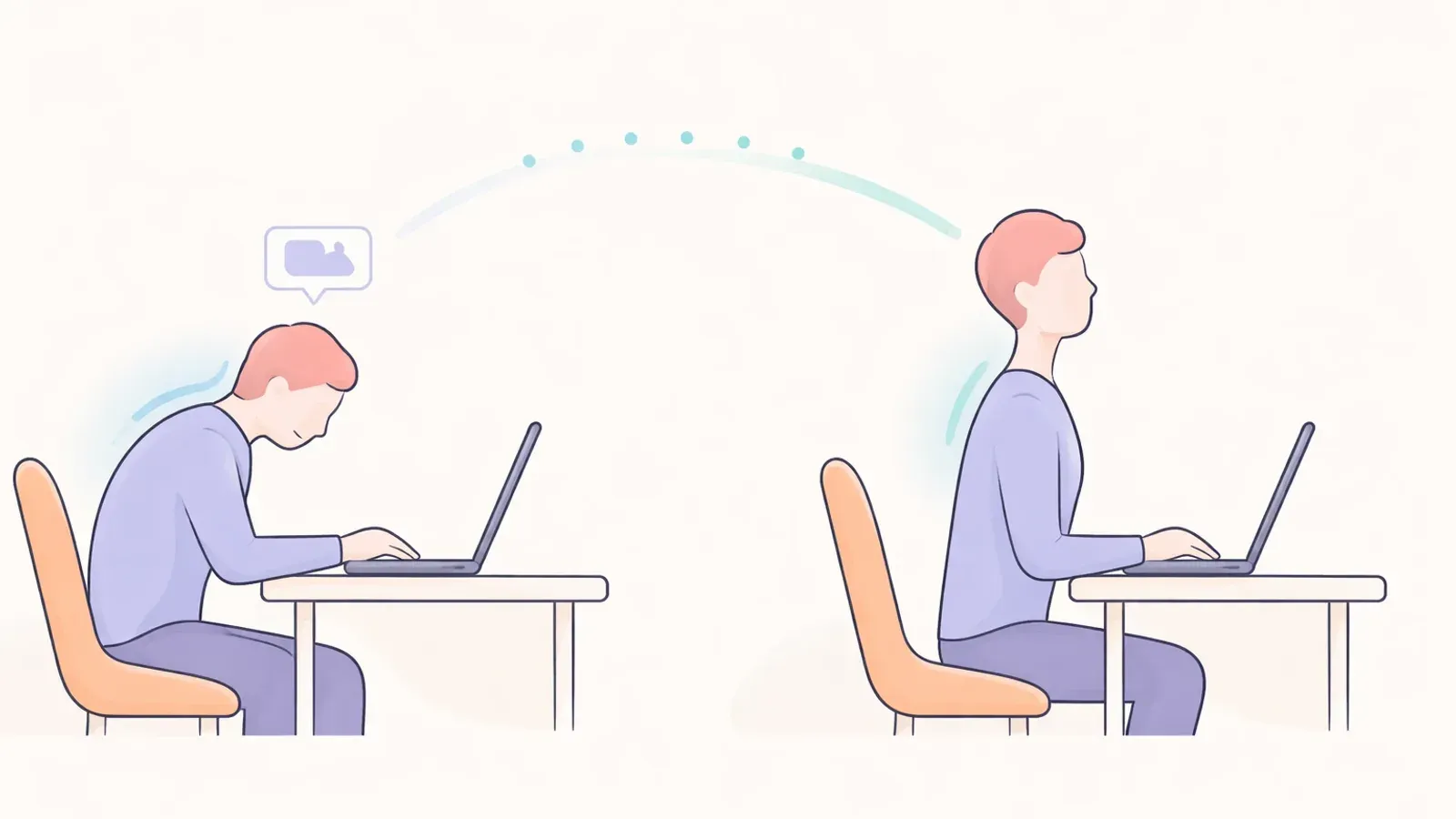
If you're searching do posture apps really work, the most useful framing is this: posture apps improve awareness and consistency, but they do not replace strength, mobility, and workstation setup.
The Real Outcome to Measure
Most people expect "perfect posture." Better metric:
- fewer long slouch episodes
- lower end-of-day neck/upper-back stiffness
- faster self-correction during work blocks
- steadier weekly consistency (not one perfect day)
Apps help most when they reduce friction around these behaviors.
What the Evidence Suggests
Current evidence on digital posture coaching points to a practical pattern:
- Biofeedback improves awareness in the short term.
- Reminders can reduce sustained poor positions during desk work.
- Long-term results depend on adherence and environment design.
That means app quality matters, but usage pattern matters more.
When Posture Apps Work Best
Posture apps are strongest for people who:
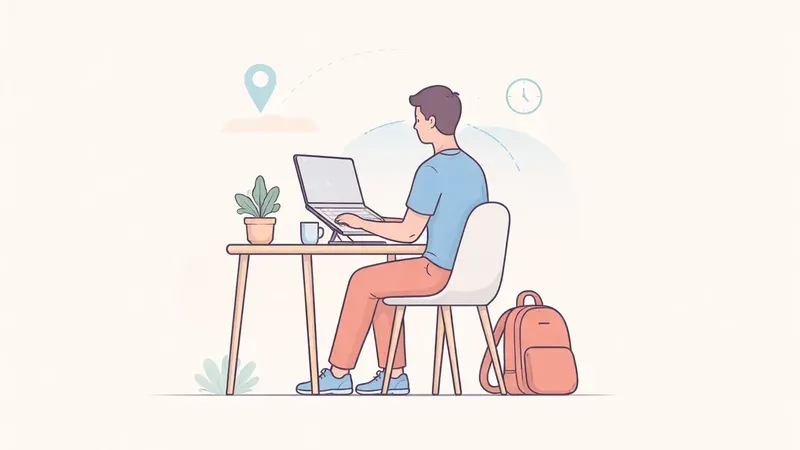
- work at a desk 4+ hours/day
- have recurring "I forget and slump" patterns
- can tolerate light nudges every 30-45 minutes
- are willing to tune alerts for 7-10 days
They work worst when alerts are noisy, calibration is ignored, or setup is ergonomically poor.
Why Some People Quit After 1-2 Weeks
Common failure points:
- too many false alerts (camera angle, lighting, seat shifts)
- reminder fatigue from aggressive defaults
- no clear routine for breaks and resets
- expectation mismatch ("fix me automatically")
A good app feels like subtle guidance, not constant interruption.
The Minimum Effective Stack (2026)
For most desk workers, this combination beats app-only use:
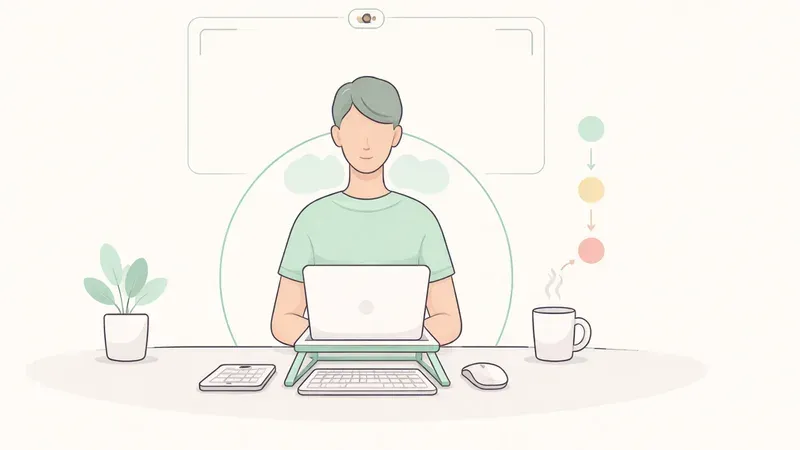
- Posture app with adjustable sensitivity
- Basic ergonomic correction (screen height + keyboard/mouse position)
- Micro-break rule (60-90 seconds every 35-45 minutes)
Think of the app as the trigger, and your routine as the treatment.
14-Day Implementation Plan
Days 1-3: Baseline
- calibrate once in your normal work posture
- start with low/medium sensitivity
- log stiffness score (0-10) at end of day
Days 4-7: Tune
- reduce false positives first
- keep reminder interval realistic
- add one quick reset sequence (stand, breathe, shoulder rolls)
Days 8-14: Consolidate
- review weekly trend, not hourly perfection
- keep settings that improve response rate
- remove anything that creates alert fatigue
If discomfort is severe, persistent, or worsening, involve a qualified clinician.
How to Choose an App That Actually Helps
Prioritize:
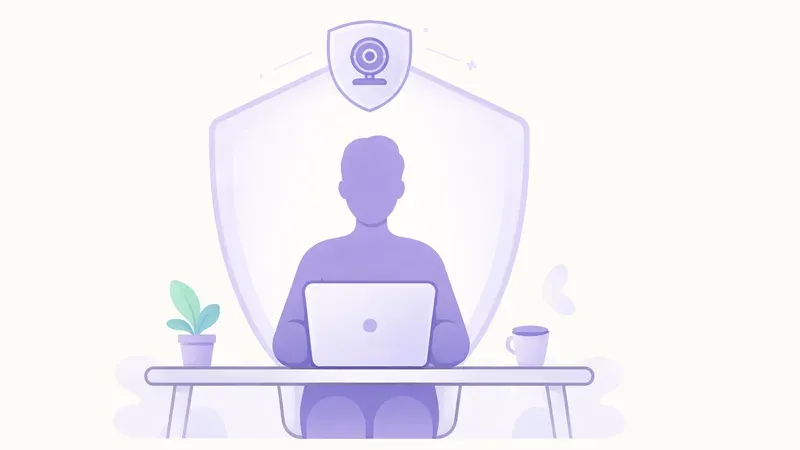
- local processing/privacy clarity
- calibration flow under 2 minutes
- adjustable reminder logic and quiet hours
- simple trend view (daily/weekly)
Avoid tools that overwhelm you with dashboards but fail at day-to-day nudges.
FAQ
Q: Can a posture app permanently fix posture?
A: No. It can support better habits, but lasting change comes from consistent movement, strength, and setup quality.
Q: How long until I notice improvement?
A: Many users notice less stiffness within 1-2 weeks when reminders are tuned and followed consistently.
Q: Are posture apps better than wearables?
A: For desk-heavy routines, many people stick with app-based feedback longer because there is no device to wear or charge.
Q: What if reminders annoy me?
A: Lower sensitivity, lengthen interval, and focus on reducing false alerts. Adherence matters more than strict settings.