Upright Go vs Webcam Posture Apps in 2026: Which One Fits Real Workdays?
If you're comparing Upright Go vs webcam posture apps, the real question is not accuracy in perfect conditions.
The real question is: which method will you actually use every day for the next three months?
Both options can improve awareness. But they work in very different ways, and each has trade-offs in comfort, consistency, and long-term habit formation.
Quick Verdict
For most desk workers in 2026:
- Webcam posture apps win on convenience and long-term adherence
- Upright Go (wearable) can be better for focused training blocks and away-from-desk use
If you work mostly at a computer, webcam-first is usually the better default.
How They Work
Upright Go (Wearable)
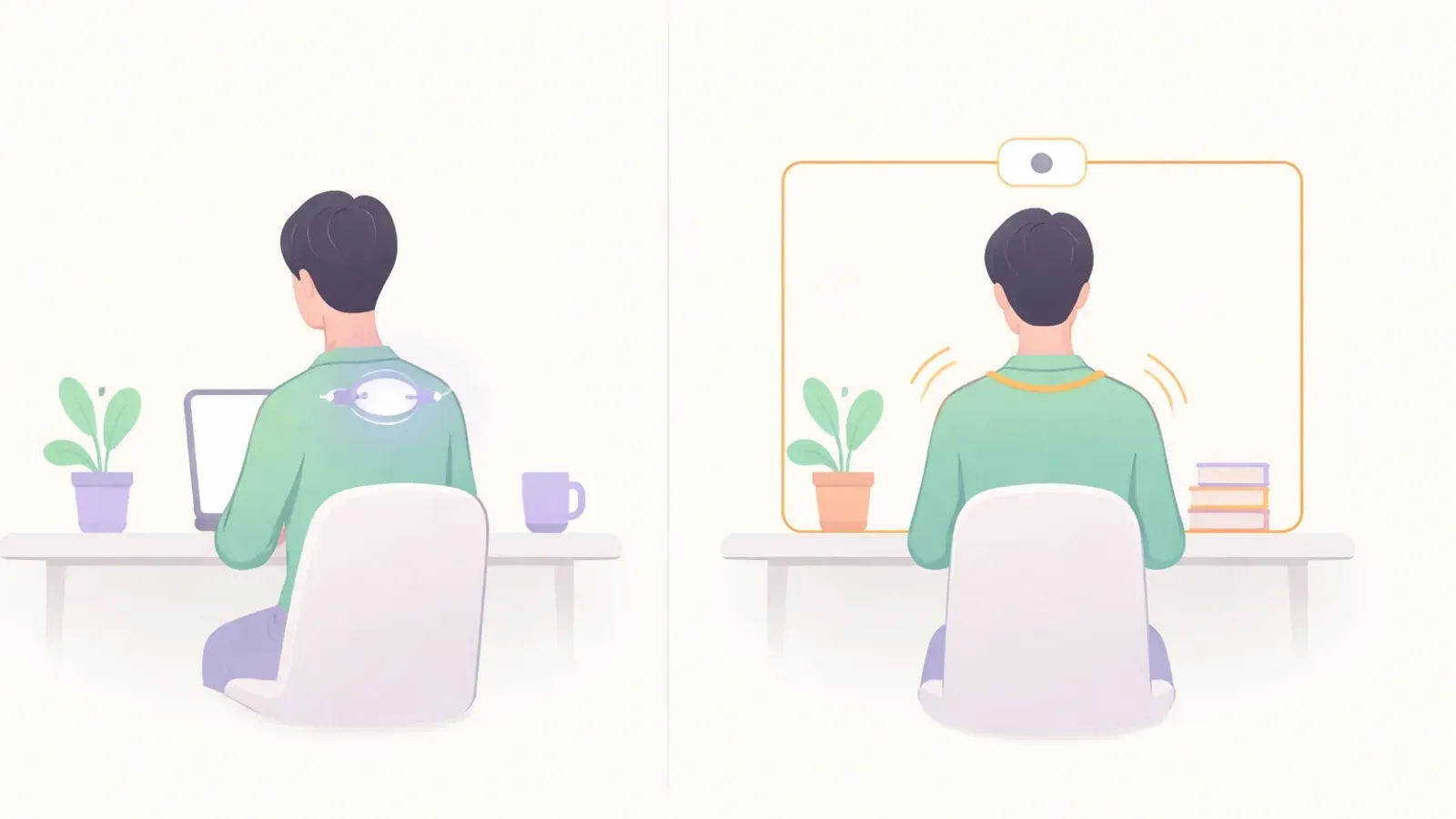
Upright Go attaches to your upper back and gives vibration feedback when your posture drifts beyond your set threshold.
What it does well:
- direct body feedback without screen dependency
- usable while standing or moving around
- can accelerate awareness in short, structured sessions
Limitations:
- charging and attachment friction
- discomfort or clothing mismatch for some users
- easier to abandon after early motivation fades
Webcam Posture Apps
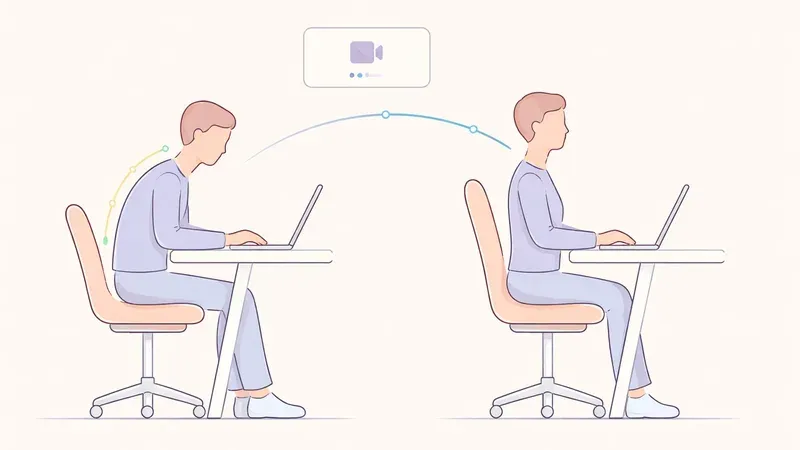
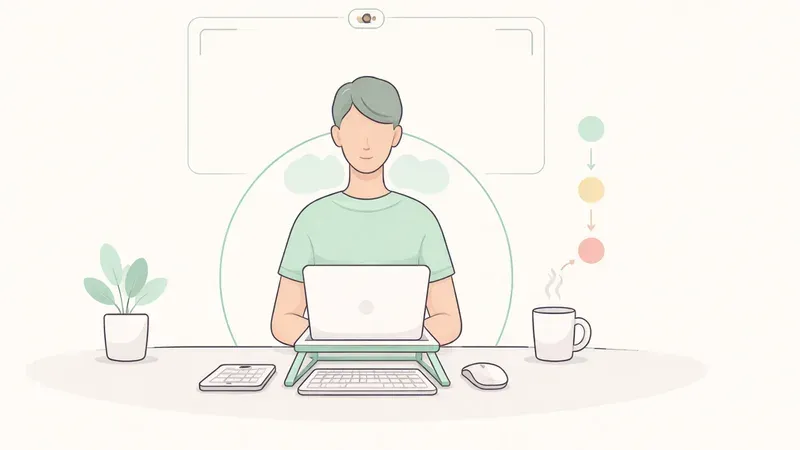
Webcam apps use your camera to estimate alignment during desk work and trigger reminders.
What they do well:
- no device on your body
- feedback appears exactly when you're at your workstation
- easy to tune reminder frequency and sensitivity
Limitations:
- mainly useful at a desk with camera view
- poor lighting or bad framing can reduce reliability
- needs privacy-safe setup (prefer local processing)
Comparison Table: Upright Go vs Webcam Apps
| Factor | Upright Go | Webcam Posture Apps |
|---|---|---|
| Daily friction | Medium (wear + charge) | Low (open app and work) |
| Works away from desk | Yes | Limited |
| Best for laptop/desktop work | Good | Excellent |
| Long-term adherence (typical) | Moderate | High |
| Privacy concerns | Lower camera dependency | Varies by app policy |
| Setup complexity | Low-medium | Medium (camera + calibration) |
| Cost over time | Device purchase | Often subscription/freemium |
Who Should Choose Upright Go
Upright Go is a good fit if you:
- want haptic feedback and dislike on-screen prompts
- need posture cues outside desk sessions
- are willing to wear and maintain a device daily
It works best when used intentionally (for example 1-2 focused training blocks per day), not necessarily all-day every day.
Who Should Choose Webcam Posture Apps
Webcam apps are a better fit if you:
- spend most of your day at a desk
- want low-friction reminders in context
- prefer software over wearables
For remote workers and programmers, this is usually the easiest system to sustain.
Hybrid Strategy (Often Best)
A practical approach for many users:
- Use Upright Go for 2-4 weeks to sharpen awareness quickly
- Transition to a webcam posture app as your default long-term system
- Keep short movement breaks every 30-45 minutes
This keeps the fast learning curve of wearables while avoiding long-term wearable fatigue.
14-Day Decision Framework
Days 1-3
Use one system only. Track comfort, interruptions, and reminder usefulness.
Days 4-7
Tune sensitivity and reminder timing. Remove unnecessary alerts.
Days 8-14
Compare adherence: which tool did you use consistently without resistance?
Pick the one you can keep using with the least friction.
Final Take
In the Upright Go vs webcam posture apps comparison, webcam tools usually win for desk-based consistency, while Upright Go remains valuable for portable, body-first feedback.
The best choice is the one that survives real life, not the one that looks best on paper.
FAQ
Q: Is Upright Go more accurate than webcam posture apps?
A: Not universally. Accuracy depends on calibration and context. Webcam tools can be very practical at desks, while wearables can be more direct during movement.
Q: Are webcam posture apps good for privacy?
A: Choose apps with local processing and clear data policies. Privacy quality depends on the specific product.
Q: Can I use both Upright Go and a webcam app?
A: Yes. Many people get best results using a wearable short-term and webcam reminders long-term.
Q: Which one is better for programmers?
A: For most programmers who work at a desk, webcam posture apps are easier to sustain daily.